How Do Obsidian and Memory Chat Sync Notes, and Which Is Simpler?
How Obsidian and Memory Chat keep your notes on every device, what each costs, and which one takes less setup.
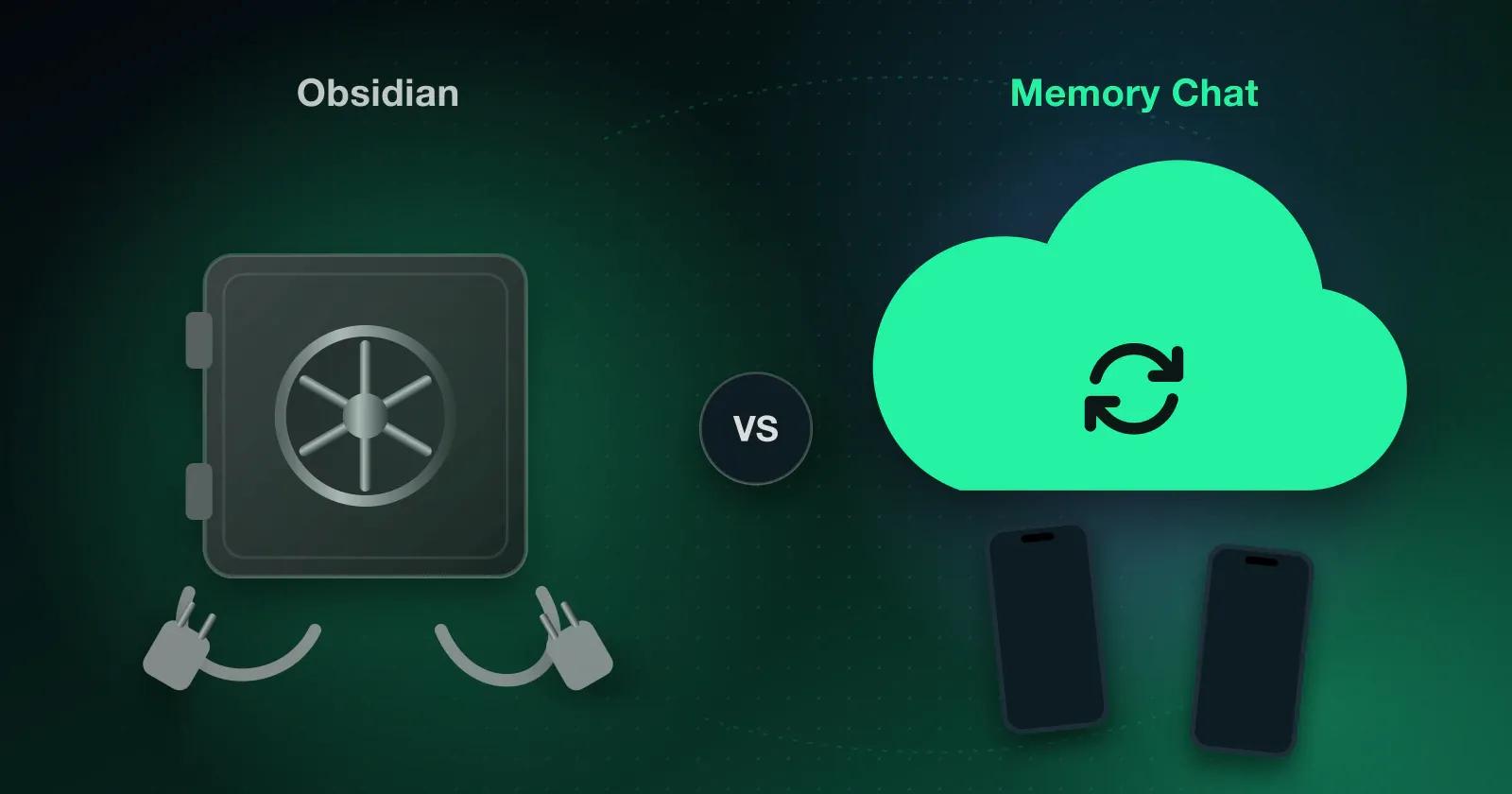
A few days into using Obsidian, many new users hit the same practical question: how do I get the same notes on my phone and my laptop? The question is simple. The answer takes more work.
Obsidian saves notes on your device by default. If you want the same vault on more than one device, you need a way to sync it, either the paid Obsidian Sync service or a compatible third-party option.
Why sync is a separate choice in Obsidian
Obsidian stores your notes as standard Markdown files on your device, and unless you set up a service, they aren't copied to any server. That's the source of some of its biggest strengths. You fully own your data, you can open your notes in any Markdown or text editor, and you aren't tied to one company or cloud. The trade-off is that getting those files onto your other devices is up to you.
Option 1: Obsidian Sync
Obsidian offers its own paid sync service, Obsidian Sync. It includes:
- End-to-end encryption, so even Obsidian can't read your notes
- Sync for folders, files, attachments, and images
- Version history, so you can restore older versions of a note
- Selective sync, so you can leave specific folders out
It costs extra, and a subscription doesn't set everything up for you. You still create an account and connect each device yourself.
Option 2: A cloud storage service
To avoid paying for Obsidian Sync, many people keep their vault in iCloud Drive, Google Drive, OneDrive, or Dropbox. That's often free, but it brings its own problems. These services weren't designed for apps that constantly read and write lots of small files, so changes can be slow to arrive. If you edit on more than one device, especially with a patchy connection, the edits can conflict. And some cloud folders need extra setup or third-party software before they work properly with Obsidian.
What users report
The same concerns come up again and again in Obsidian community discussions:
- There's no free, built-in sync between devices
- Whatever sync method you choose, you set it up yourself
- Editing offline on several devices can create conflicts
- The process is different on Windows, macOS, iOS, and Android
None of this is a bug. It follows from Obsidian's local-first design. It still matters if you plan to use Obsidian on more than one device.
How Memory Chat handles sync
In Memory Chat, sync is part of the app from the start rather than something you add.
When you add a note, a task, or a budget entry, it's saved straight away to a local database on your device, with or without a connection. When you're back online, Memory Chat sends the changes to its server and updates your other devices. You sign in to your Memory Chat account on each device, and syncing happens on its own, with no cloud folder to set up and no extra tools to install.
That means there's no separate sync setup for you to maintain. One limitation to know about: if you edit the same thing on two devices while both are offline, the edits can conflict and have to be reconciled once they reconnect.
What about security?
Sync isn't much use without proper protection, so everything you add to Memory Chat, including notes, photos, and files, is encrypted before it's synced. The encryption key isn't held in readable form on Memory Chat's servers. Your devices keep it in protected key storage, with account-based recovery through services such as Google Drive or iCloud Keychain. Devices exchange encrypted updates and use the correct private keys to open them, so the service can pass changes along without being able to read your notes.
What changes between plans
Every Memory Chat plan includes automatic background sync:
- Basic Memory (free, $0): unlimited Memory Boxes and notes, up to 2 active Workspaces, sync across 2 devices, and 100MB of cloud storage
- Super Memory ($3.99/mo or $39.99/yr): everything in Basic Memory, up to 10 active Workspaces, sync across 4 devices, 5GB of cloud storage, advanced UI customization, biometric app lock (Face ID or fingerprint), and uncompressed HD image uploads
- Ultra Memory ($9.99/mo or $99.99/yr): everything in Super Memory, unlimited Workspaces, sync across 8 devices, and 30GB of cloud storage
Prices are adjusted for purchasing power parity (PPP) in your country. On every plan, your data is kept locally in an on-device SQLite database and syncs automatically once you're connected.
Which approach suits you
Obsidian leaves the sync question to you. You'd pay $4–$8 a month for Obsidian Sync, or set up something like iCloud, Syncthing, or Git yourself, and then decide how to handle the conflicts that come up between your phone and your computer. If you work on one device, or you like scripting and configuring things, that may be part of the appeal.
In Memory Chat there's no sync to set up. You sign in, and your notes, checklists, and expenses follow you from device to device through an offline-first SQLite database, with no cloud folders or plugins involved. On Super and Ultra you can also lock the app with Face ID or a fingerprint.
Summary
Obsidian suits academics and developers who want plain Markdown files on disk and enjoy building a linked knowledge graph. Memory Chat suits you better if what you want is an Obsidian alternative and an offline notes app whose notes are on all your devices without you doing anything.
For more on keeping a practical personal knowledge system, read our guide to the best second brain app without the overwhelm.