Evernote Alternative for Everyday Notes
A note from the doctor, a weekend budget, a grocery list that changed three times. None of it is archive material. Here’s how to keep it in Memory Chat.
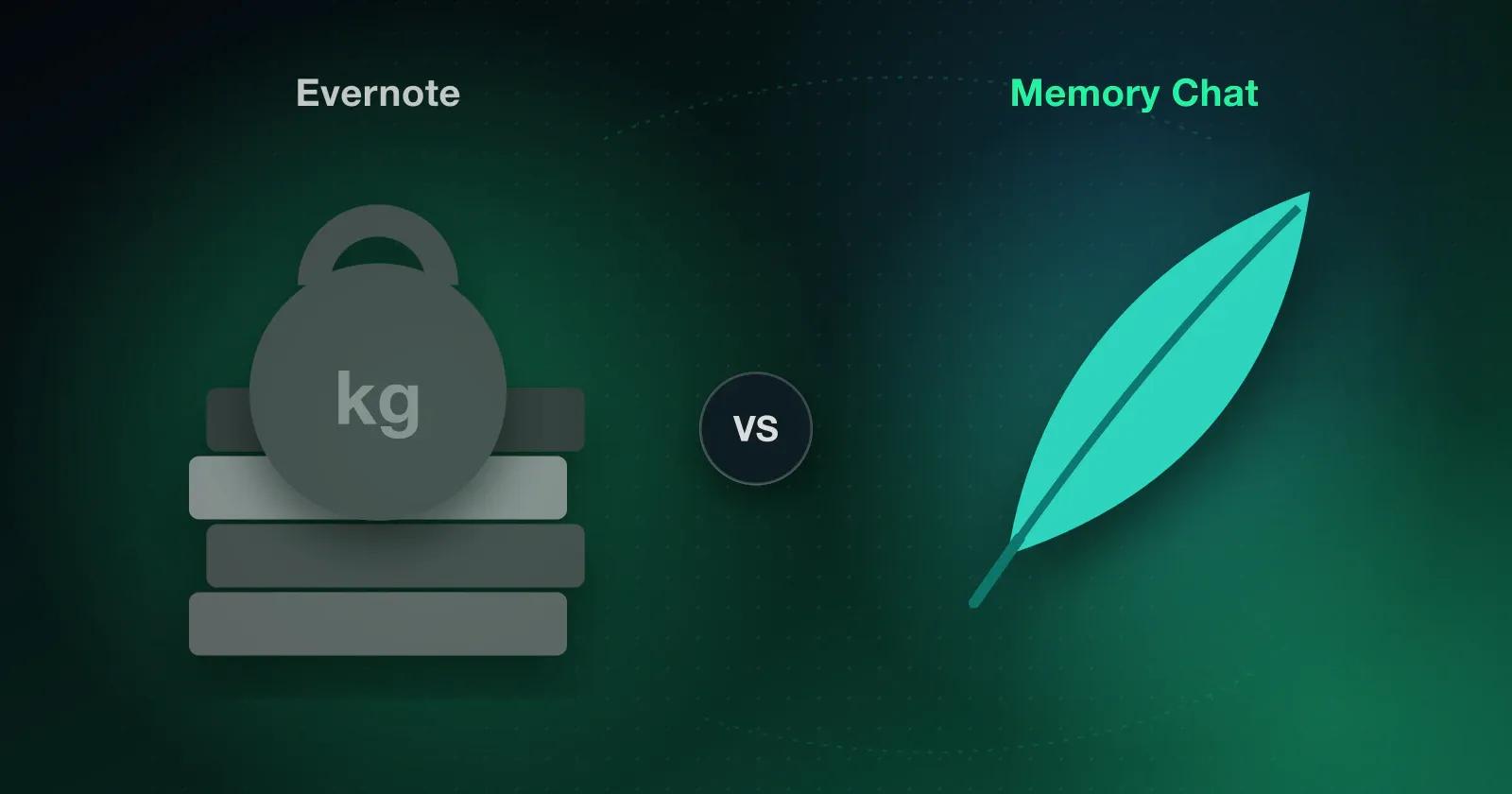
Evernote is still very good at what it was built for. If you clip articles, collect research, keep stacks of PDFs and want to search through years of saved material, its depth is hard to beat, and there's no reason to leave just because something newer exists.
But if you're looking for an Evernote alternative, you probably aren't after another filing cabinet. You want the everyday stuff to feel less cluttered, and that's a different job.
Where Evernote still holds up
Heavy web clipping, a lifelong research archive, strict notebook organization and text search inside scanned PDFs are all areas where Evernote earns its place, and academic or professional research fits it well. If that's how you work and you're happy paying for it, stay. If price is part of the question, compare what each free plan includes today with the cost of the features you actually use, since plans and regional prices change.
When the filing cabinet feels too big
Look at what you saved last week. Maybe a note from the doctor about when to take a new medicine, a rough budget for a weekend away, a grocery list that changed three times, a follow-up from a phone call, the address of Friday's dinner reservation and a 25-minute timer for getting through email. None of that is archive material. It's stuff you need again in a day or two, and dropping it into a big document manager makes the app feel slow and makes the little things hard to see.
How Memory Chat handles the everyday stuff
Take that weekend away. In Memory Chat it gets its own Section, and the pieces each go into the kind of Memory Box that suits them. The budget goes in a Budget Box that totals what you've spent as you add it, the packing list goes in a Checklist Box you tick through on the morning you leave, the hotel and the dinner spot sit in a Places Box, and your loose thoughts about the trip stay in a plain Notes Box. A reminder to check in online sits on the box it belongs to. Nothing is pretending to be a text document when it's really a list or a number.
The structure has three levels and no more, so you keep your private life and your job apart without building a system you have to maintain:
- Workspaces for big areas like Personal and Work
- Sections inside each Workspace, like Weekend Away
- Memory Boxes inside each Section
Search works the way memory does, too. You rarely know which folder a note is in, but you remember a phrase, roughly when you saved it, or the photo that was attached, and that's enough to find it.
Which one should you use?
Stay with Evernote if your work relies on:
- Heavy web clipping and article saving
- A large, long-term research archive
- Strict notebook-based organization
- Text search inside uploaded PDFs
Choose Memory Chat if most of what you save is short-lived and practical:
- Grocery lists and checklists that change through the week
- Budgets for trips or small projects
- Addresses and places you'll visit soon
- Reminders attached to the note they're about
You don't have to choose all at once. Leave your archive where it is, and for the next week put only the everyday stuff into Memory Chat's free Basic Memory plan, then see which app you reach for first. Get started with Memory Chat.