Obsidian Plugins vs. Memory Chat’s Built-In Tools
Tasks, Dataview, Pomodoro and Leaflet: a normal week in Obsidian takes at least four plugins. A side-by-side look at what comes built into Memory Chat.
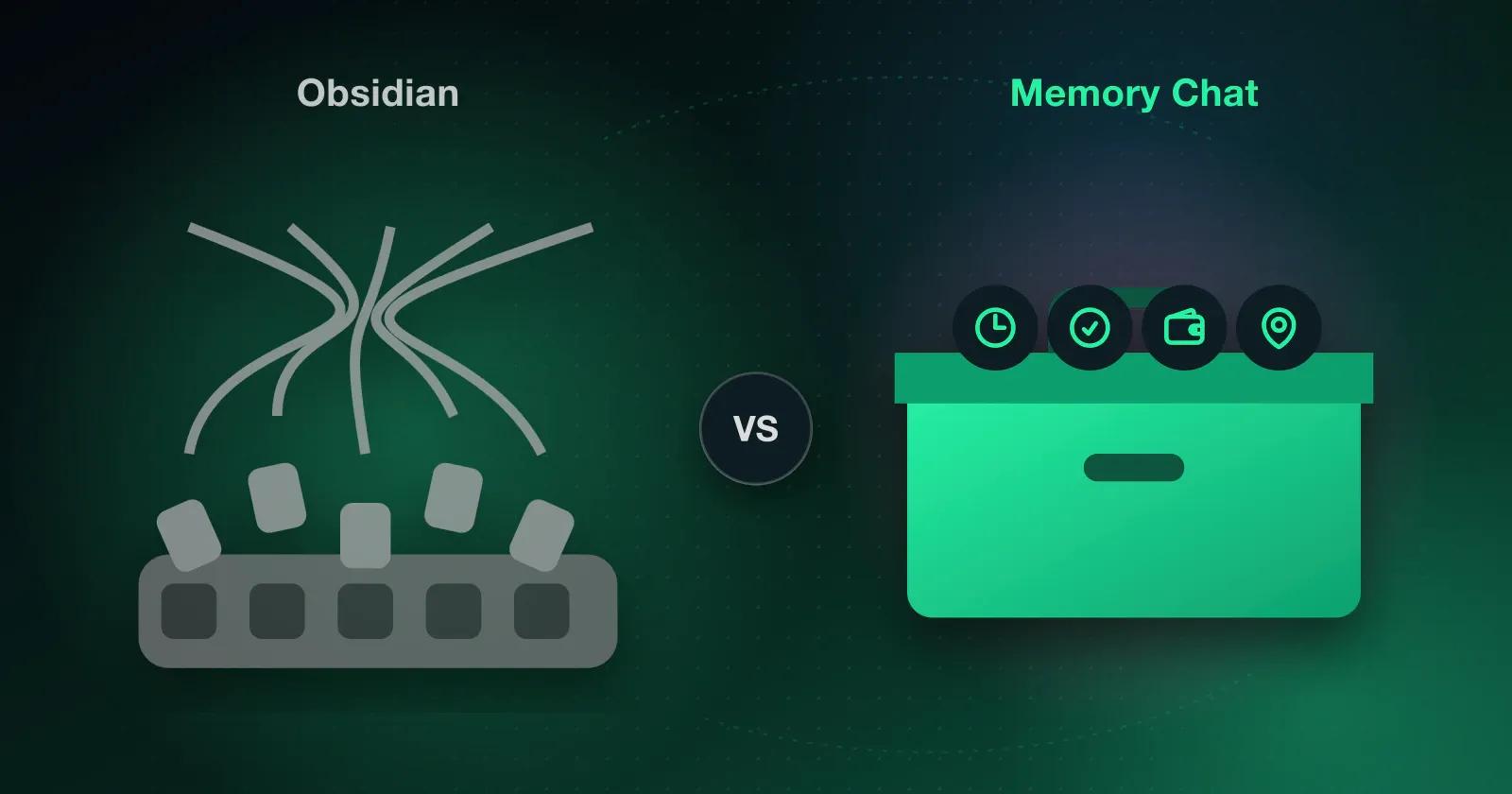
Say it's Sunday night and you've decided this is the week you finally get organized in Obsidian. You want a grocery checklist, a way to track what you spend on the kitchen repaint, a focus timer for the report due Thursday, and somewhere to save the address of the paint shop. Obsidian opens to a clean Markdown editor, which is lovely, and then you start installing things.
A week built from plugins
The checklist with due dates needs the Tasks plugin, or Dataview if you want a list of everything due this week, and either way you're learning a little query syntax before you've added "milk." The timer is a Pomodoro plugin. For the paint costs you find a table-editing plugin, give up halfway, and open a spreadsheet instead. The paint shop could go on a map with Obsidian Leaflet once you've sorted out the map tiles, though by now it's eleven o'clock and you just paste the address into a note.
None of this is a knock on the plugins, which are clever and free. It's just that every one of them is something to keep working, and over a few months you tend to run into the same four costs:
- Plugins that stop loading after an Obsidian or phone update
- A slow start on mobile with 15 or 20 plugins, right when you need to catch a thought
- JavaScript from each plugin author with access to your files
- Evenings spent on docs, CSS snippets and queries instead of your notes
Sync between your phone and laptop is either Obsidian Sync at $4–$8 a month or something you wire up yourself.
The same week in Memory Chat
In Memory Chat there's nothing to install, because each of those jobs is already a type of Memory Box. Your grocery list, the repaint costs, the report timer and the paint shop each get a box made for them, and here's how that lines up against the plugin route:
| Everyday need | In Obsidian | In Memory Chat |
|---|---|---|
| Checklists and tasks | Tasks or Dataview plugin plus query syntax | Checklist Box with reminders |
| Budgets | Table plugins or an outside spreadsheet | Budget Box with running totals |
| Places | Obsidian Leaflet plugin plus map tile setup | Places Box for addresses and pins |
| Focus timers | Pomodoro or Tracker plugin | Time Box with built-in timers |
| Voice memos | Audio plugins or linked files | Recording and playback in Notes Boxes |
| App lock | Lock plugins or the operating system | Face ID or fingerprint on Super and Ultra |
| Sync | Paid add-on ($4–$8/mo) or your own setup | Background sync on every plan, free for 2 devices |
You'll notice the difference the first time you pull your phone out at the paint counter. There's nothing to load, because everything is kept in a local SQLite database on the phone, so it opens straight away, works 100% offline in the back of the store, and saves the note while you're still typing it.
If you want to see these tools in more detail, we've written guides to checklists and tasks, daily budgets, saving important places and managing your time.
If writing to yourself like a chat appeals to you, read about the chat-style notes app for note-to-self capture.
Which one fits you
If you're a researcher, developer or writer who wants full control over local Markdown files and actually enjoys tuning your setup, Obsidian is a great home and the plugins are part of the fun. If you'd rather have an Obsidian alternative for everyday life and a second brain without the overwhelm that works the first time you open it, Memory Chat is the simpler choice.
Count the plugins you installed just to handle tasks, money and time. If there are more than three, try running next week in Memory Chat on the free plan and see which app you open on Friday.