Track Your Time with Built-In Timers and Pomodoro Sessions
Memory Chat's Timer records work sessions offline, supports Pomodoro intervals, and keeps your notes from each session in one place.
Planning a day is easier when it's based on how long tasks have really taken you rather than on estimates. You can write times down by hand, but it's a habit that's easy to drop, and it gets harder when the timer is in one app and your notes about the work are in another.
Memory Chat's Timer keeps those together. You can time your work, plan sessions, use the Pomodoro technique, and keep the details of each session in the same place.
What the Timer does
When you start working on something, you start a timer for it, and Memory Chat records how long you spend. The Timer can:
- Show the exact time logged against any task
- Save each stretch as its own session when you stop for a break and start again, while the task shows the total
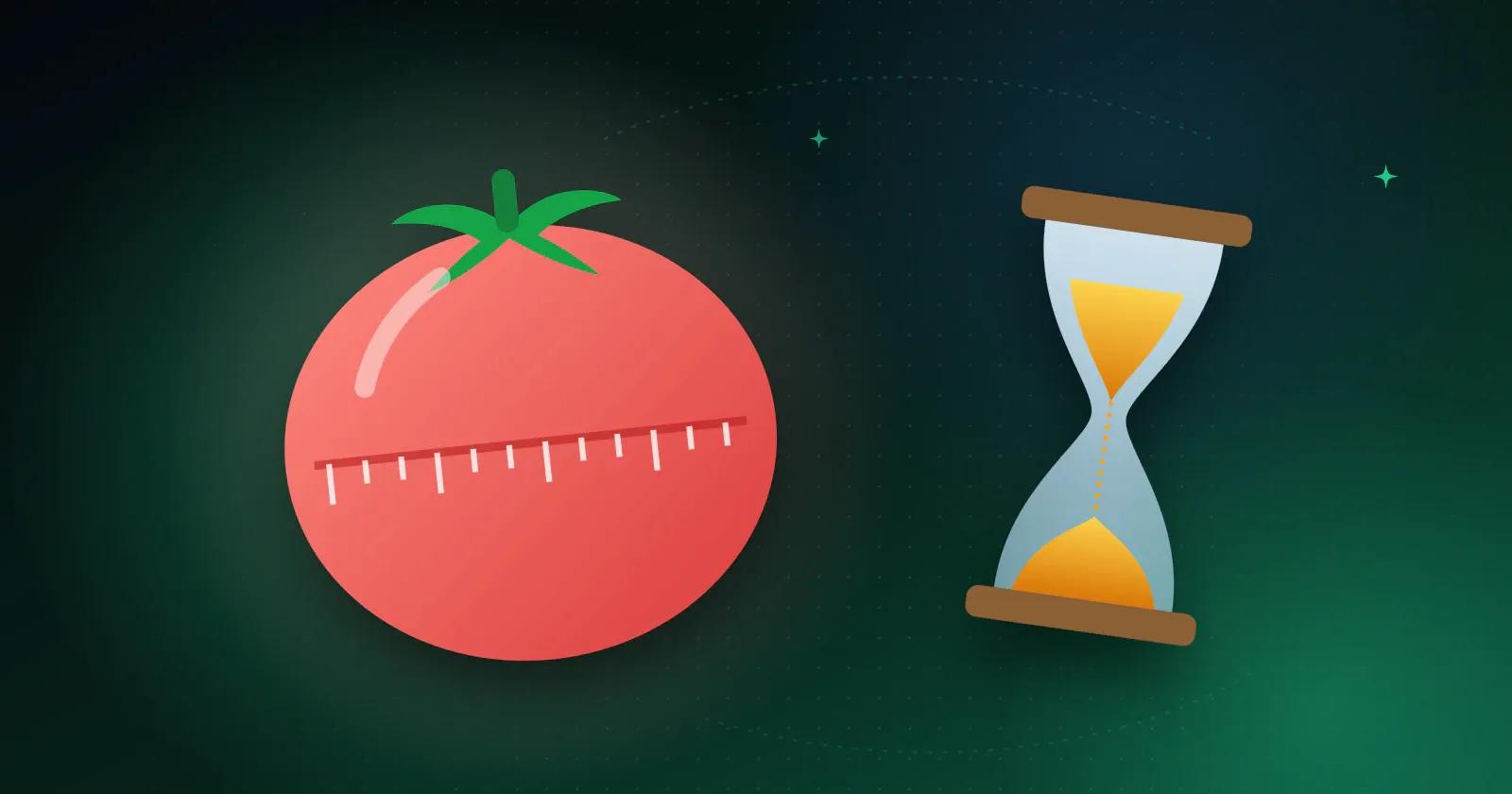
- Run Pomodoro intervals with work and rest lengths you choose
- Keep notes, photos, files, or a checklist attached to a session, so the work and the time spent on it stay together
How to use it
- Start a new timer and name what you're working on, like a client project or the book you're reading.
- Press start, then pause and resume as you go.
- When you stop and restart, Memory Chat creates a new subtask automatically. You can name each session, and the main task adds them up.
- For Pomodoro, switch the mode on and choose a work length and a break length, say 25 and 5 minutes. The timer tells you when each one is up.
- During a session or afterwards, open the General Box to save a thought, a photo or illustration, or a short voice recording. If you were working through a Checklist, link it to the session and tick off what you finished.
Why keep timing and notes together
Later, when you look back at a session, you see how long it took and what you actually did in that time, alongside any related checklist, location, or reminder. It also records without a connection, so a session on a train counts the same as one at your desk.
Who it suits
It's most useful when you need to know where time went, not just that it went. If you bill by the hour, the session totals per client are already there at the end of the month. If you're studying, you can see whether three planned hours were really three hours.
Start a timer on the next thing you sit down to work on, and by the end of the day you'll have your first real numbers.