Why Notion's Offline Mode Falls Short for Everyday Notes
Notion works offline only in part, and some users see a note differ between devices. Here's why, and what to look for in an offline notes app.
Notion gives teams one place for shared wikis, project boards, and databases. Personal notes are another matter: if you need them to work offline on a flight or in a basement, the app may fall short.
Most of Notion lives on its servers
Notion stores most of your content in the cloud, while your device holds a local copy based on the latest sync. Offline access may fail for some pages or databases.
That choice shapes the product. Putting the app in the cloud makes sharing simpler and keeps everyone on the same version, but offline use becomes much more difficult.
Users report notes that don't match
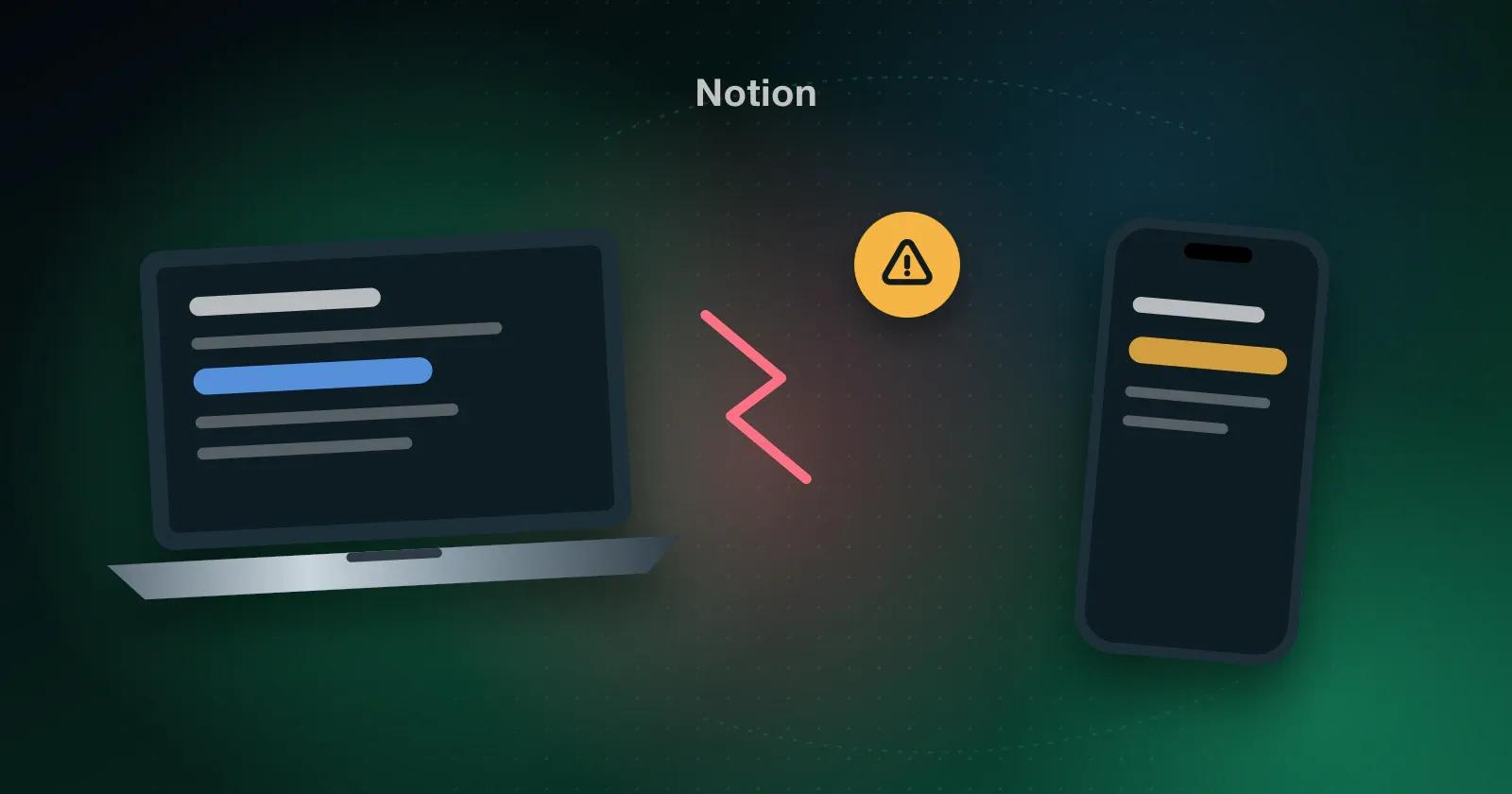
Several Android app reviewers report a recurring problem. Text entered on one device may fail to show up on another, or appear there in a different version. Notes sometimes vanish, only to return later.
If the server holds the authoritative version while your phone keeps only part of the data, offline edits must be reconciled afterward, and that process can introduce errors.
What an offline-first notes app does differently
With an offline-first app, notes stay on your device from the start. When you reconnect, the app syncs them in the background.
Look for these things when you compare apps:
- Notes open and save without a connection.
- Search works across all your notes offline.
- Syncing happens in the background, without asking you to wait.
- You can see which device your latest edit came from.
How Memory Chat approaches it
Memory Chat stores notes locally, then syncs them quietly when you reconnect. Even without internet access, you can search by keyword, date, or Memory Box type. It works on iOS, Android, Mac, Windows, Linux, and the web, keeping the same notes available wherever you use it.
When Notion is still the right choice
If your work runs on shared pages and live collaboration, Notion is still a good pick, and we'd tell you to stay. Just don't count on it for the notes you'll need on a plane.