When Is Notion Better Than Memory Chat?
When Notion's shared pages and databases are worth the setup, and when Memory Chat is the easier way to keep track of everyday details.
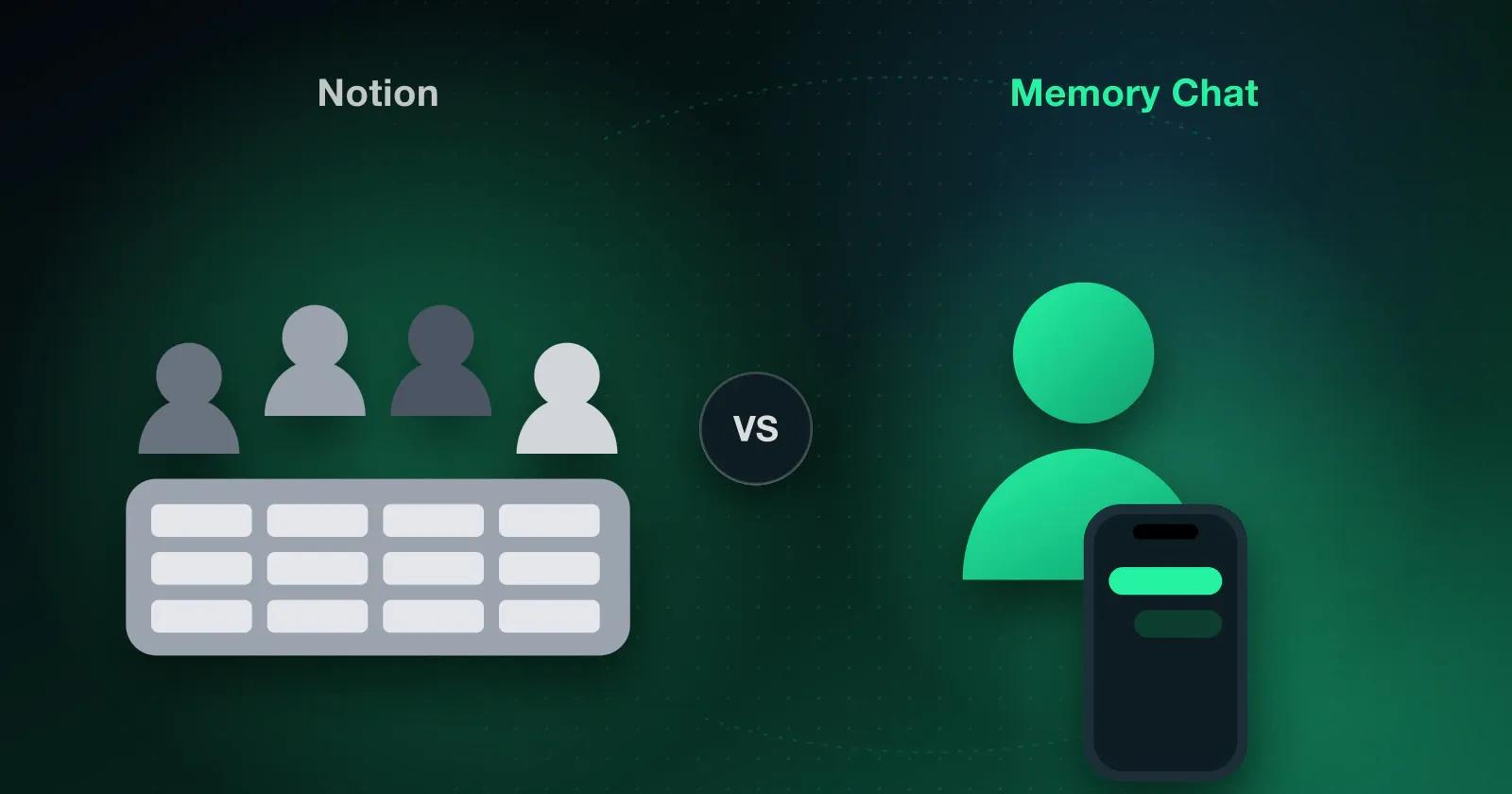
If you're trying to get your notes and everyday tasks into one place, you've probably looked at Notion already. It can be shaped into almost anything, which is both why people like it and why it doesn't suit everyone. Whether it fits you depends mostly on who you're organizing for and how much setup you're willing to do.
What makes Notion powerful
If you run projects with other people, Notion is hard to beat. You can lay out your information however your team works, connect related pages, and watch tasks move across a board while the documents everyone needs sit in the same workspace.
Say you keep a reading list. In Notion it can become a proper database, with every book sorted by rating, date finished, and category. A freelancer with years of process notes can turn them into an organized knowledge base. If one project needs to be seen as a table on Monday and a calendar on Friday, Notion shows the same data both ways without making copies.
Where Notion can be harder work
Setup before you start
You can open a blank Notion page and write, and for a quick note that's all you need. Once you want a bigger workspace or a custom database, though, you'll spend time building templates, arranging pages, and adding properties before you get to the work itself. That time is well spent on a large system and mostly wasted on a shopping list.
Working offline
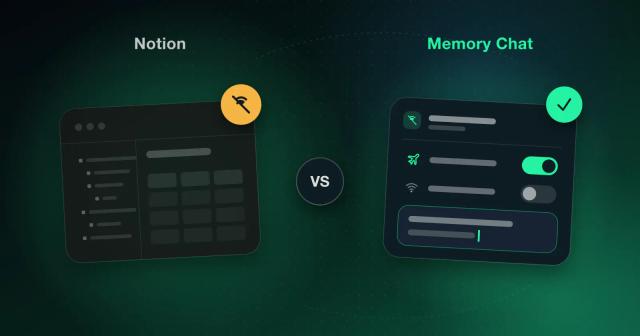
If you often work without a connection, check this before committing. Notion has an official offline mode now, but some features still rely on cloud sync, and what you can open offline depends partly on what you were editing.
Growing complexity
The bigger your workspace gets, the more of your week goes into keeping it tidy. If your needs are modest, you can end up spending longer adjusting the system than using it.
Who Notion suits best
Notion is an excellent choice if you:
- Work with a team that writes and edits documents together
- Want to build your own databases with linked pages, or a shared knowledge hub
- Enjoy customizing your workspace
- Usually have a reliable internet connection
If you don't need that much structure
Many people never need advanced databases or a heavily customized system. For capturing information quickly and sorting it, a simpler organization app is often the better choice.
Memory Chat is built for that kind of use, so you don't have to design a system before you can start. Out of the box you can:
- Keep notes, ideas, files, and voice recordings together
- Make checklists and tick items off as you go
- Set reminders for things you can't afford to forget
- Record expenses against a budget
- Save places so you can find them again
- Run a timer for focused work
- Work without a connection, with changes syncing once you're back online
- Give each area of your life its own section instead of one long page
Which to choose
If your work lives in shared documents and databases, pick Notion. If you mostly need somewhere quick to put the details of your own day, Memory Chat will get you there with far less setup.