Notion Offline: What Works and What Doesn’t
Only the first 50 database rows, and only pages you downloaded in advance. What happens to your Notion notes when the Wi-Fi drops, and how Memory Chat differs.
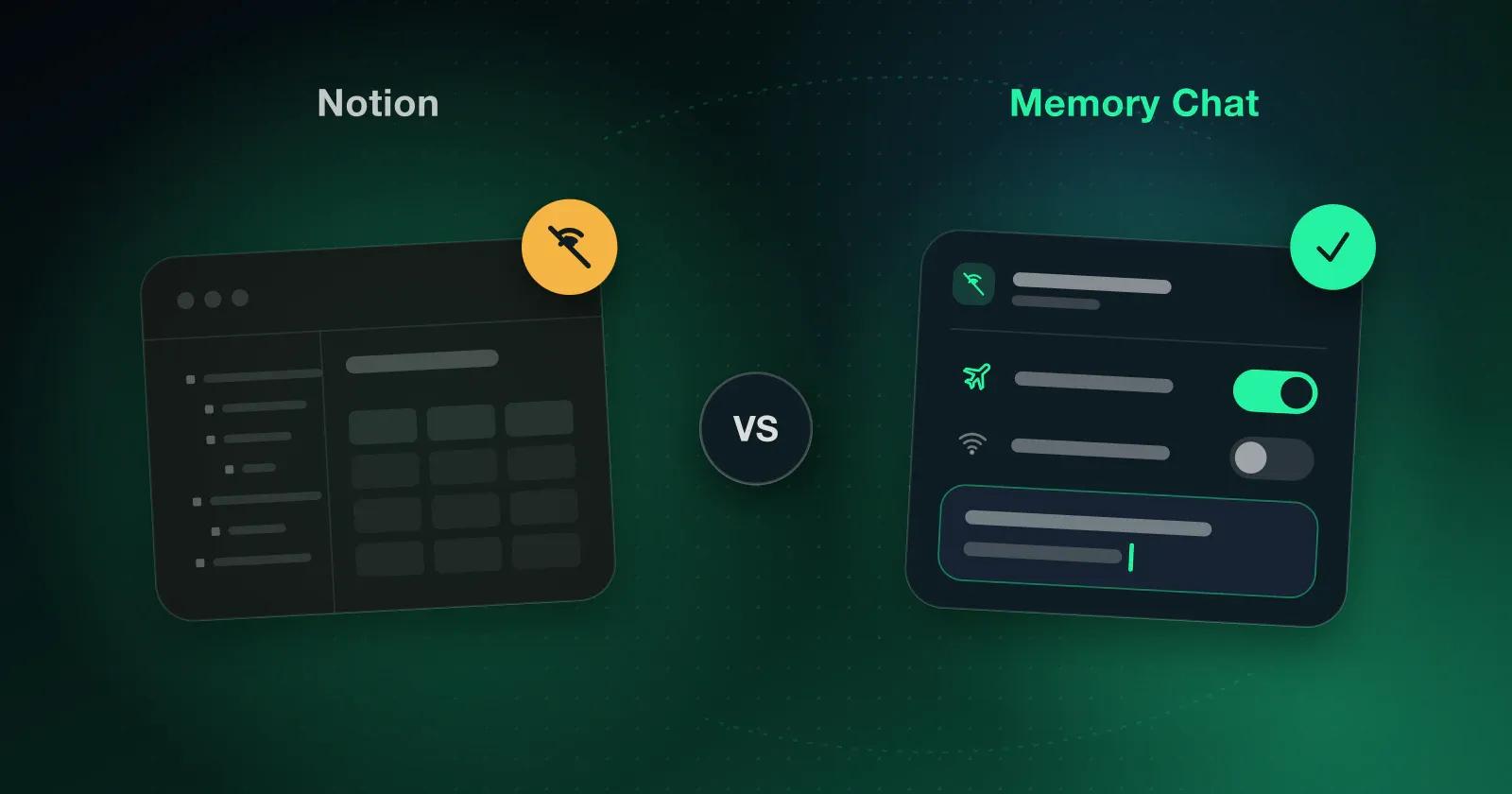
The Wi-Fi on the train drops, and you need the notes for the meeting you're about to walk into. Whether you can open them, edit them and trust that the changes will land on your laptop later depends on how your app was built, and Notion and Memory Chat were built in opposite directions.
Notion: a cloud workspace that learned to go offline
Notion is one of the most popular places to keep notes, databases, documents and projects, and its linked pages, flexible databases and real-time team editing are why. Everything lives in the cloud and syncs continuously, which suits work that happens mostly online with other people.
Its offline mode is a real improvement. You can mark specific pages to keep on your device and then open and edit them without a connection, and paid plans also download the pages you visit often or opened recently. Text, lists and other content can be edited offline, new pages can be created, and your changes are stored on the device and synced once you're back online.
The catch is that it needs preparation, and a few limits are worth knowing:
- Only pages already downloaded to that device are there when the connection drops
- Subpages may need to be marked one by one, even when your plan downloads some pages automatically
- Databases show only the first 50 rows of the main view offline
- Formulas, relations and rollups may only partly work
- Two people editing the same page, one of them offline, can end up with conflicts to sort out
So Notion is fine offline for material you got ready in advance, and less so when you didn't know you'd need it.
Memory Chat: offline first
Memory Chat started from the other end. Everything is stored on your device first, and syncing is the extra step rather than the main one. That means you don't prepare anything. Open the app on the train and you can create, edit and search your notes, images, files, checklists, budgets, places and voice recordings straight away. Each edit is written to your phone as you type, and that's also why it stays snappy with years of notes in it. Every Memory Box works in a tunnel with no signal:
- Notes, images, files and voice recordings
- Checklists and budgets
- Places and timers
- Reminders and favorites
Later, once you've got signal, it quietly pushes the changes to your laptop and anything else you've linked.
The trade-off is that it's a simpler app. There are no relational databases, and far less to customize than in Notion, which is the point but might not be what you want.
Which one to use
If your work depends on team editing and complex databases, Notion is still the better choice, and its offline support is now good enough for pages you plan ahead. If you want your everyday notes and plans available any time without setting anything up, Memory Chat fits better. There's more on the gaps in why Notion's offline mode falls short for everyday notes.
Here's a test you can do tonight. Switch on airplane mode, then try to open the notes you'd want on your next trip, and anything that won't load probably belongs somewhere that doesn't need the internet. Get started with Memory Chat.