Reminders That Don’t Break When Your Connection Does
Reviewers report reminders that never fire and features that vanish after updates. Four checks you can run in five minutes before you trust any app.
A reminder has one job: alert you when it should. Yet users of several notes apps say theirs never went off, while some found reminder features missing after an update.
What reviewers report
In app store reviews, people describe a few common problems:
- A reminder option removed in an update
- Reminders that never fire, as ColorNote reviewers describe
- Widgets that stop working after a phone restart, leaving an empty box on the home screen
On their own, these annoyances seem minor. Taken together, they make a good case for testing reminders instead of assuming they work.
Why reminders are harder than they look
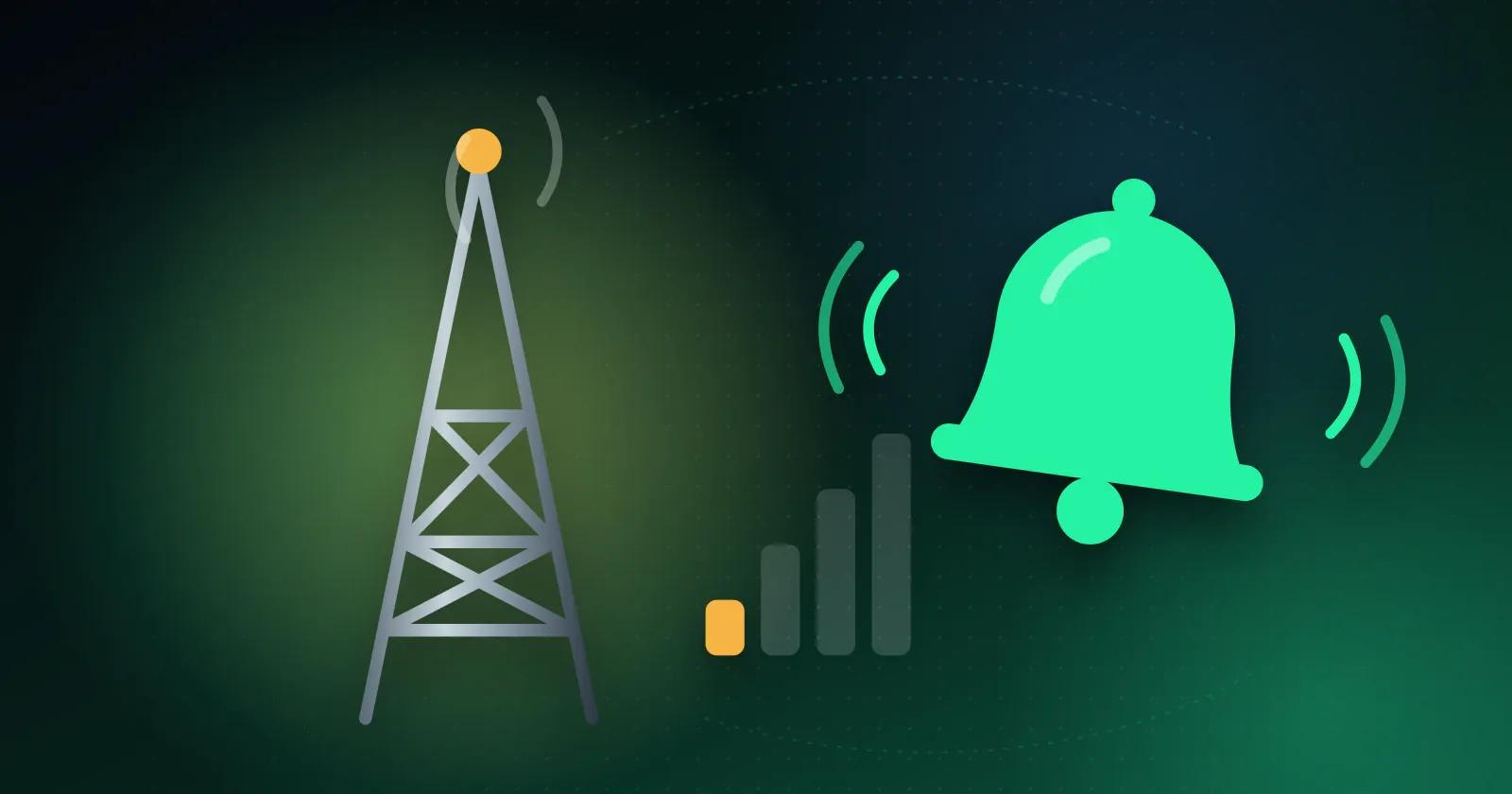
Your device must save the reminder and trigger it at the scheduled time, even with the app closed. When scheduling relies on a server, a poor connection or failed sync may prevent the alert from appearing.
Updates can alter or even remove reminder types. Rely on one, and a single update may take it away.
What to check before you rely on an app
- Set a test reminder for five minutes from now and see if it fires with the app closed.
- Check the reminder types, and look for one-time and recurring reminders at minimum.
- Restart your phone and make sure your widgets still show your notes.
- Read recent update notes for anything that was removed.
How Memory Chat handles reminders
Memory Chat supports reminders that run once or repeat. Set the reminders you need, then check them before you depend on them.
Before relying on Memory Chat, set a test reminder and make sure it works. Then add only the reminders you need.
The takeaway
A notes app earns your trust only when its alerts work. Set a real reminder and test it before relying on it for an actual deadline.