Standard Notes Free Plan: What You Get and What You Pay For
Standard Notes has excellent encryption, but reviewers say checklists and bold text are paid-only. Here's what the free plan lacks before you choose.
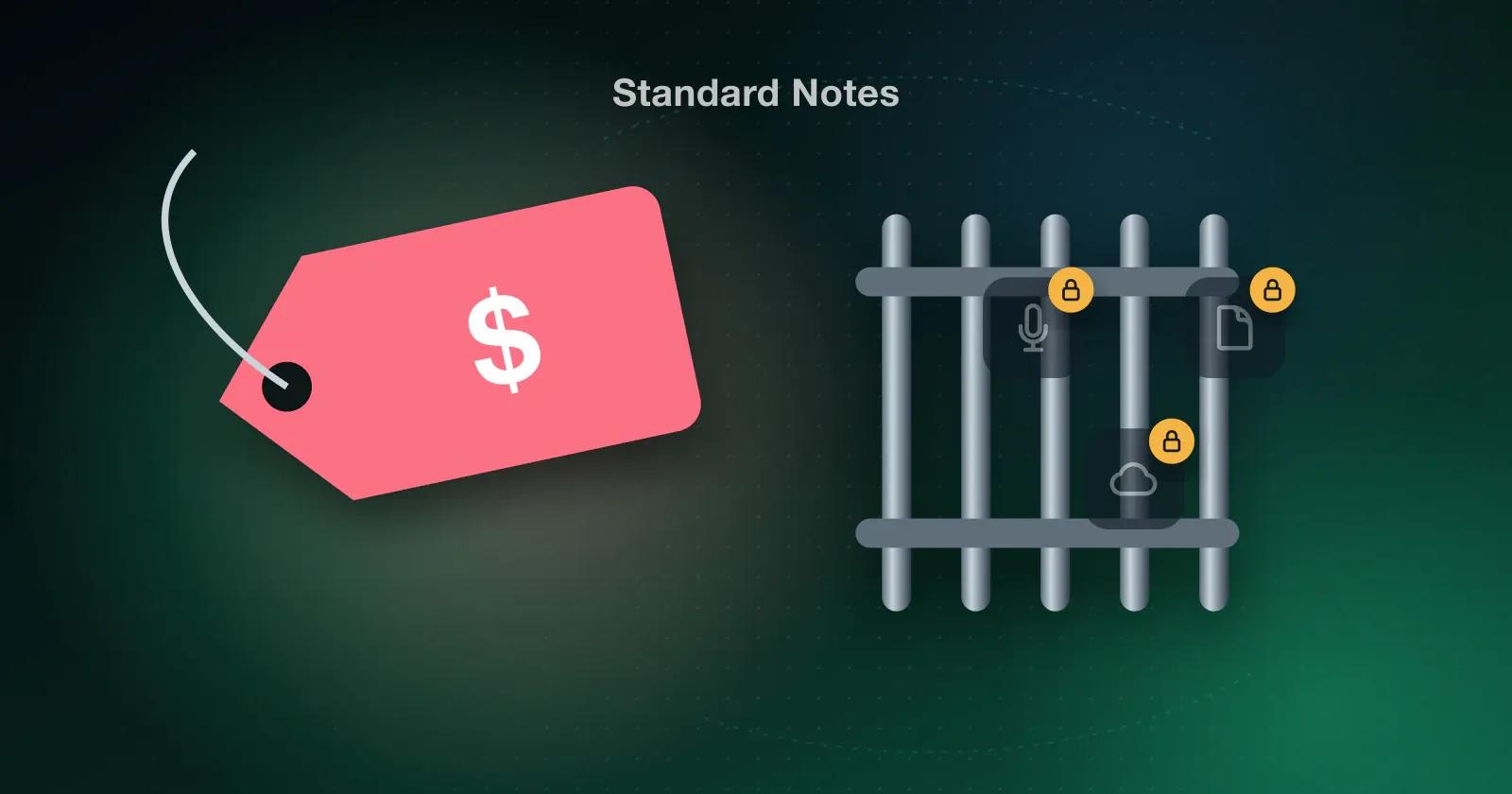
Standard Notes earned its reputation honestly. The encryption is excellent, and for a lot of people that's reason enough to install it. The surprise comes a day later, when you try to make a checklist and find it's a paid feature.
So here's what reviewers say the free plan leaves out, and what's worth checking before you settle on any notes app.
What reviewers say is missing
Read enough app store reviews and the same list keeps coming up:
- Bold, italic, and underline are reported as paid-only.
- Checklists are reported as paid-only.
- File uploads are said to be limited on the free plan.
- Widgets and quick actions are reported as missing.
- People keep asking for more languages, French, Spanish, and Arabic in particular.
Then there's the yearly cost. One reviewer said they paid about $90 for a plan with extra features. Prices change, so check the Standard Notes website for what it costs today.
Why encryption and a generous free plan rarely go together
Strong encryption is expensive to build and keep running, and paid plans are how most apps cover that. It's a fair business model. The trade-off is that the free version often ends up as a sample of the app rather than a notes app you could use every day.
If privacy is the reason you're there, paying can be completely worth it. If you mostly need quick lists and a bit of formatting, you might find the free tier runs out sooner than you'd like.
What to check before you choose
- Go through the free plan and make sure the things you do daily are actually in it.
- Spend a few minutes in the editor: format some text, make a list, paste something in, and scroll a long note.
- Ask what happens if you forget your password, because with encrypted apps the answer is sometimes "nothing can be recovered."
- Try exporting, so you know you can leave with your notes if you need to.
How Memory Chat compares
Memory Chat keeps encrypted notes on your device and syncs them quietly in the background. In Notes Boxes you can add rich text, lists, photos, or voice notes inside a note. Budget Boxes do the math for you, and Places Boxes put map pins next to your notes.
Check the current plans in the app store listing to see exactly what's free before you decide.
Bottom line
Encryption and a usable free plan don't have to be a choice. Start with the free version of whatever you're considering. If it handles your normal day, pay for extra privacy features only when they're worth it to you.