Why Typing a Quick Thought in a Chat Beats Picking a Page
Many notes apps make you choose a page or folder before you write. A chat-style inbox lets you save a thought in seconds and sort it later.
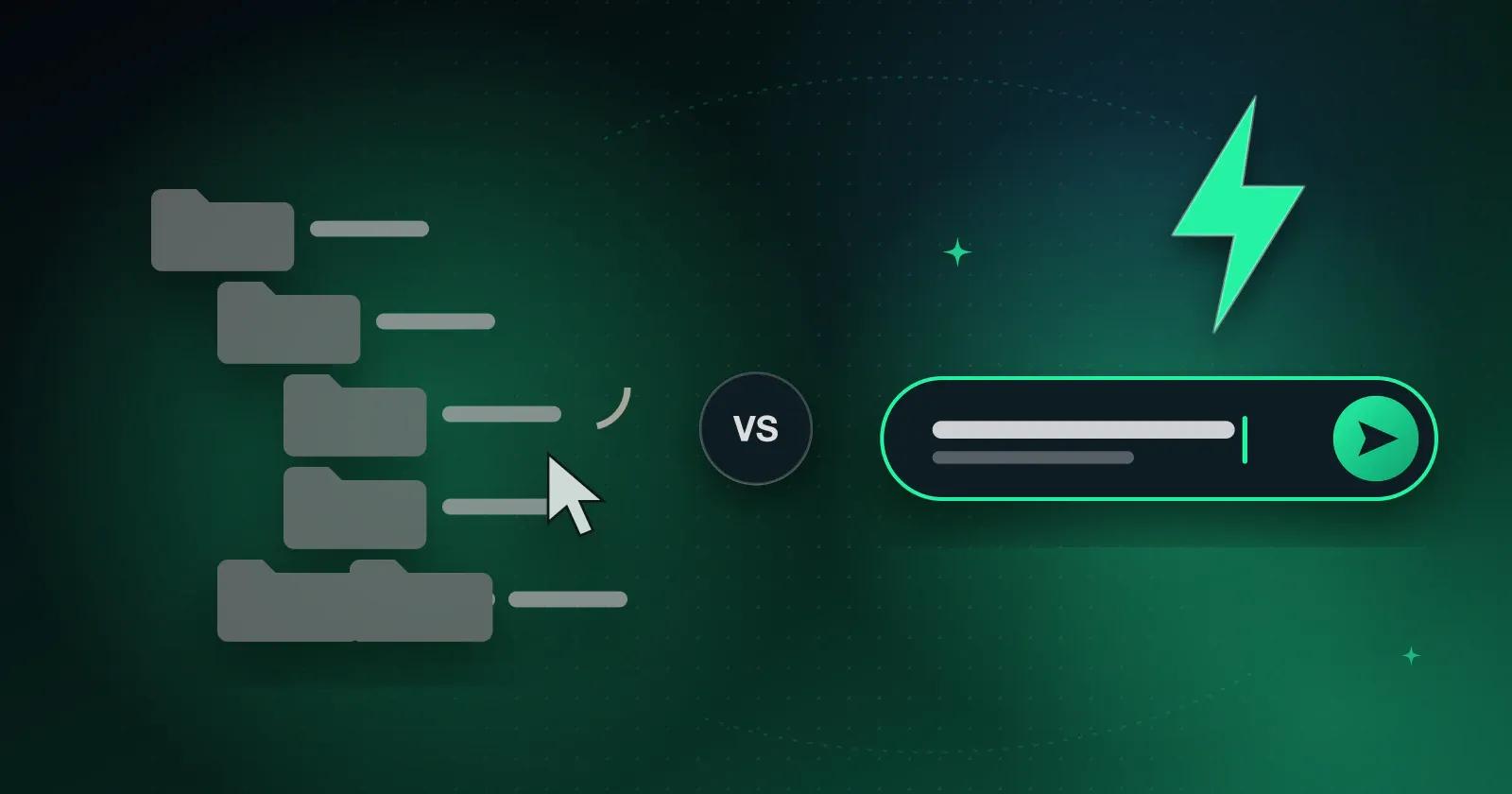
When you open a notes app to write something down and it first asks which notebook or folder the note belongs in, the thought you had has usually started to fade by the time you've picked one. The pause is only a few seconds, but it happens every time, and after enough of them some people stop writing ideas down at all.
Pages ask you to decide too early
A new page wants a category before the thought is fully formed. Is this for a project, a shopping list, or a reminder? Often you don't know yet, and you shouldn't have to.
Apps built around pages, cards, and databases are good for information that has already settled into shape. They're awkward for capture, when the thought arrives in the middle of a meeting or while you're walking somewhere.
A chat feed skips the first decision
A chat inbox is one running conversation with yourself. You type the thought, send it, and carry on with what you were doing, with no title, folder, or tag to pick.
That means you can record things as they happen and sort them later. A grocery item, a voice note, and a budget entry can all go into the same place without any setup.
Organize when you have time
The inbox only holds the idea until you get back to it. When you have a few minutes to think, you can sort the note, copy it, or send it to another box. That's when organizing actually happens, rather than in the moment you're trying to catch a thought before it goes.
What to look for in a quick-capture app
When you try an app for this, check that:
- You can start typing straight away, without choosing a page first.
- Notes wait in one place until you organize them.
- You can move notes later without retyping them.
- Search finds notes from any day, even offline.
How Memory Chat works
Memory Chat's Inbox works like a chat feed. You type a thought, attach a photo or voice memo, or set a reminder, and it's saved to your device immediately. Later you can move it into a Notes Box, Budget Box, or Places Box.
To see whether it suits you, try it for a week. Put everything in the Inbox as it comes up, and spend ten minutes each evening sorting it. You'll probably find you write down more, and lose less.