Why Some Notes Apps Can't Simply Turn Off Their AI
Many notes apps added AI, and some users want it gone. Here's why an off switch is harder than it sounds, and how to pick an app that stays out of your way.
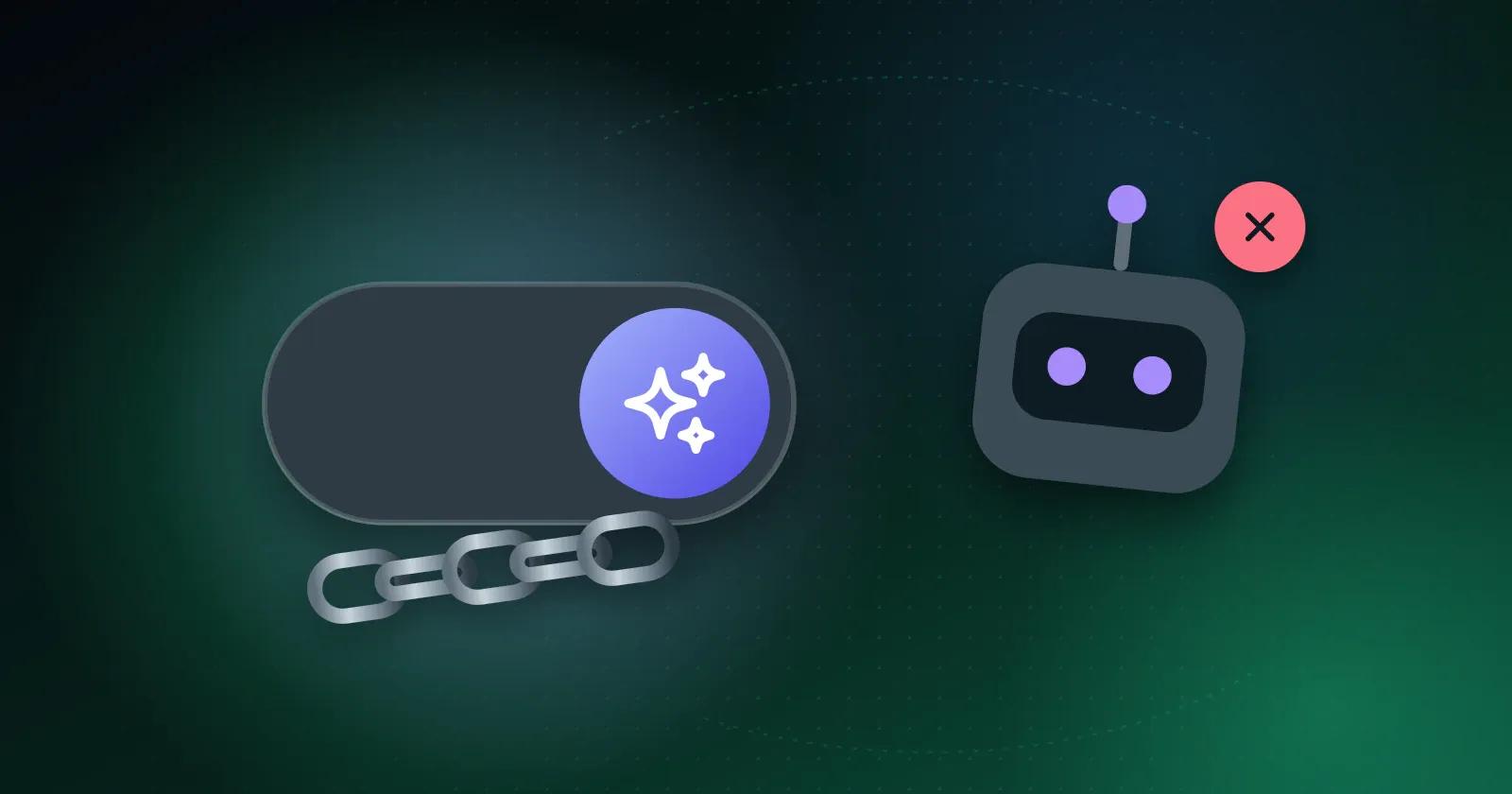
More note-taking apps now include AI assistants that draft or summarize text. Some people find that useful. Others open a notes app to write their own words and would rather have a blank page.
If you've looked for a way to disable the AI and found nothing, you're in good company. Reviewers of one major workspace app have asked specifically for an off switch.
Why an off switch is harder than it sounds
When AI powers one small feature, removing it is simple. When it's built into the editor, search, pricing, and sign-in, switching it off touches the whole product, not one menu item.
It can also affect what happens to your notes after you write them. Some AI tools send note content to a server. If the app is built around that, an off switch might hide the button while the system underneath keeps working the same way.
What users are asking for
The requests are consistent. People want to write without prompts popping up, open their notes quickly, and know when their content is sent to a server. Some also want to be sure they can keep using the app without AI, even if they never switch those features on.
How to choose a notes app that stays out of your way
Before you commit to an app, check these four things:
- Can you use it fully without AI? Try it for a week without touching any AI features.
- Does it work offline? An app that opens your notes with no connection is usually built around the notes rather than a service.
- Is the pricing tied to AI usage? Watch for plans where running out of AI credits also stops you writing.
- Can you export your notes easily? Check that you could take everything with you if you left.
Where Memory Chat stands
In Memory Chat you write into an Inbox and move things into Notes Boxes, Budget Boxes for spending, or Places Boxes for locations. None of that involves AI. If a future version adds AI tools, you'll see it in the app's settings and release notes.
A simple test
Whichever app you're trying, use it for three ordinary things: writing a note, setting a reminder, and finding something from last week. You'll know quickly whether it gets out of your way.