

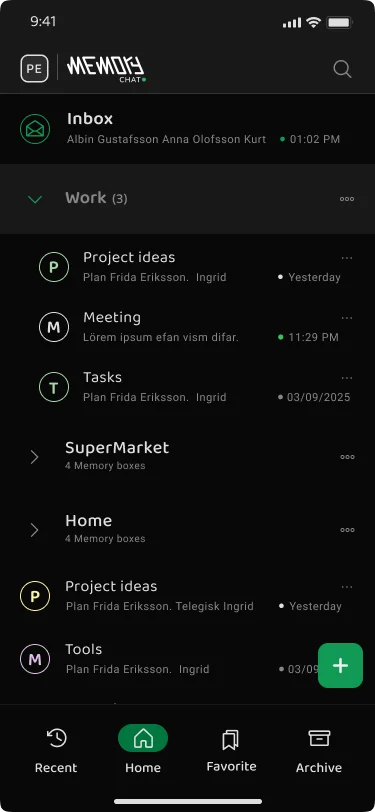
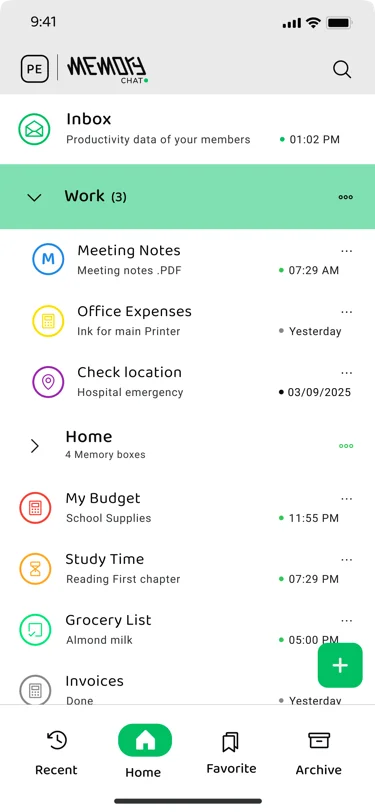
Meet Memory Chat — works without internet

Save everything.
Forget nothing.

Memory Boxes for notes, budgets, maps, timers, and checklists. Works fast without internet. Sync when you want.

Google Play
Windows
Works offline Syncs across devices Zero setup
Memory Chat app interface showing Memory Boxes Memory Chat navigation and search interface Memory Chat workspace with multiple boxes
Fast search

Find what you need by words, date, or box type

Very fast

Smooth scrolling. Quick search.

Google Play
Windows
Works offline Syncs across devices Zero setup
Strong privacy
Works on phone and computer
Smooth scrolling

Watch Memory Chat in 60 Seconds

See how easy it is to save, organize, and find what you need

Demo Video Coming Soon

We're making a short video to show how it works.

What you'll see in Memory Chat:

Add notes in seconds
Works without internet
Made to fit your needs
60 sec To understand the basics
5 min To feel comfortable
0 Training needed

Download and try it now

Get Memory Chat on Android today. Windows is coming soon—join the waitlist.

Google Play
Windows

Too Many Apps. Can't Find Anything.

You waste time every day jumping between apps and looking for things.

Common problem

Using Too Many Apps

You need many apps to take notes, track time, set reminders, and do math. It's a lot to manage.

Makes everything harder
Common problem

Can't Find Your Notes

You spend time looking for one important note. Is it in notes? Email? Photos? You give up.

Wastes your time
Common problem

Need Internet to Work

Whether you're on a plane or in the subway, Losing internet means losing access to your data. Most apps fail when you're offline>

Stops you when offline
Common problem

Everything is Disorganized

Work notes mixed with personal notes. Old and new all jumbled together. Hundreds of notes with no clear structure.

Makes things hard to find
Common problem

Missing Important Deadlines

You set reminders but forget to check the app. Your timer is buried somewhere. Important things get missed.

Causes stress
Common problem

Tracking is Too Complicated

You switch between notes and a calculator. You forget what you were doing and start over.

Feels tiring

There's a better way. One app for everything.

Made for Everyday Needs

Different things need different tools. Pick the right box and keep it simple.

General Memory Boxes

Ideal for notes, ideas and documentation

  • Bold, lists, and headings
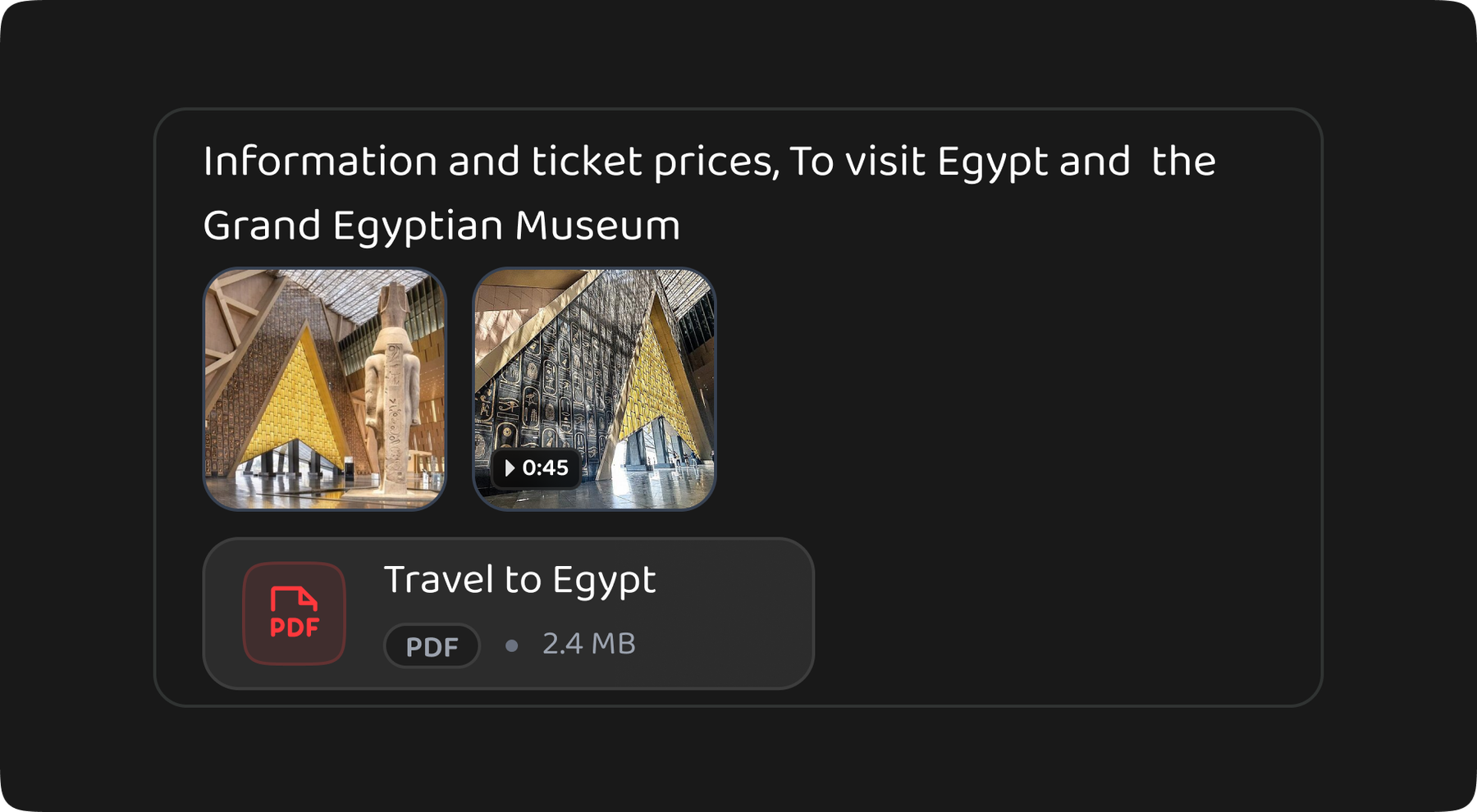
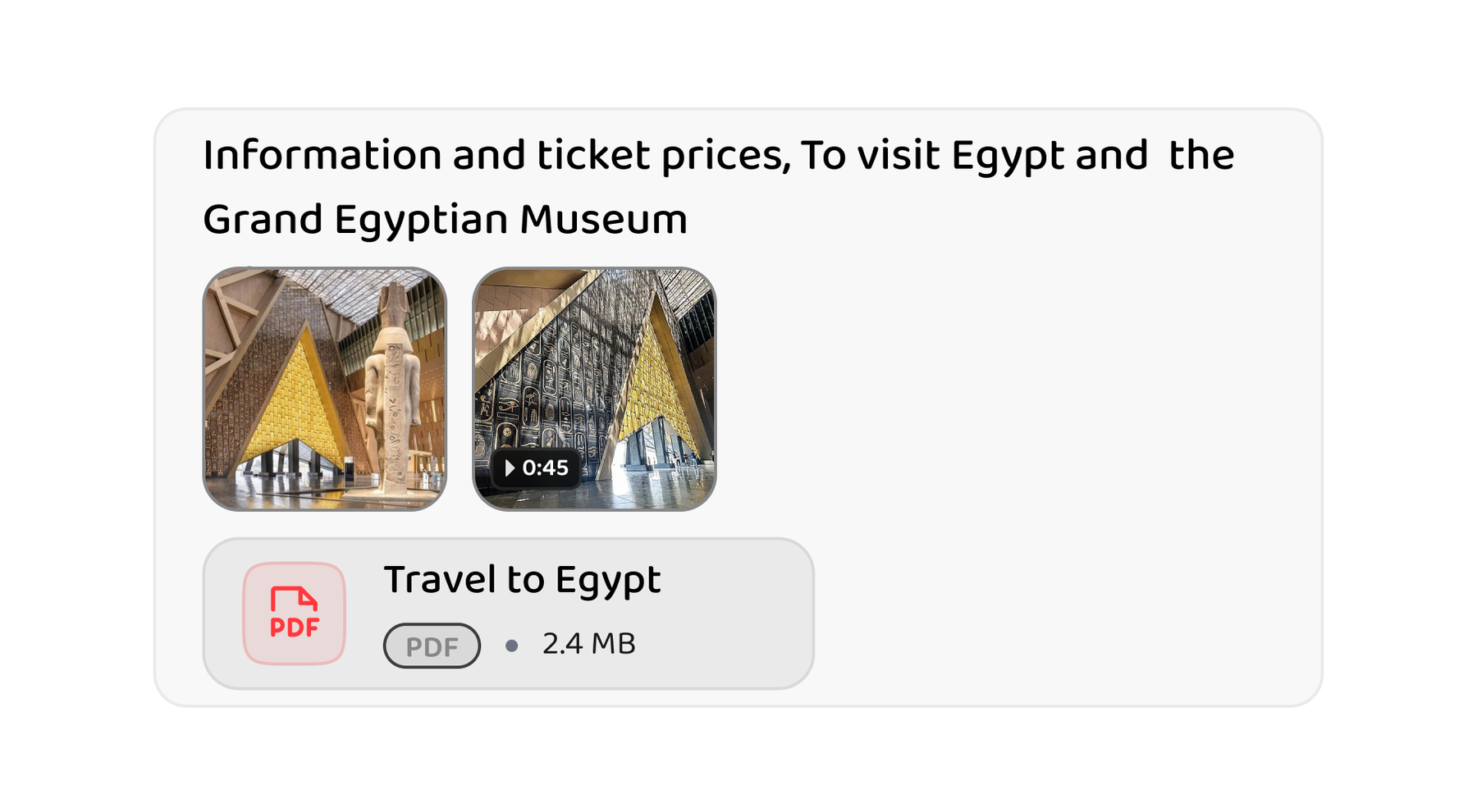
  • Photos & videos
  • Voice recordings
  • File attachments

Calculation/Budget Boxes

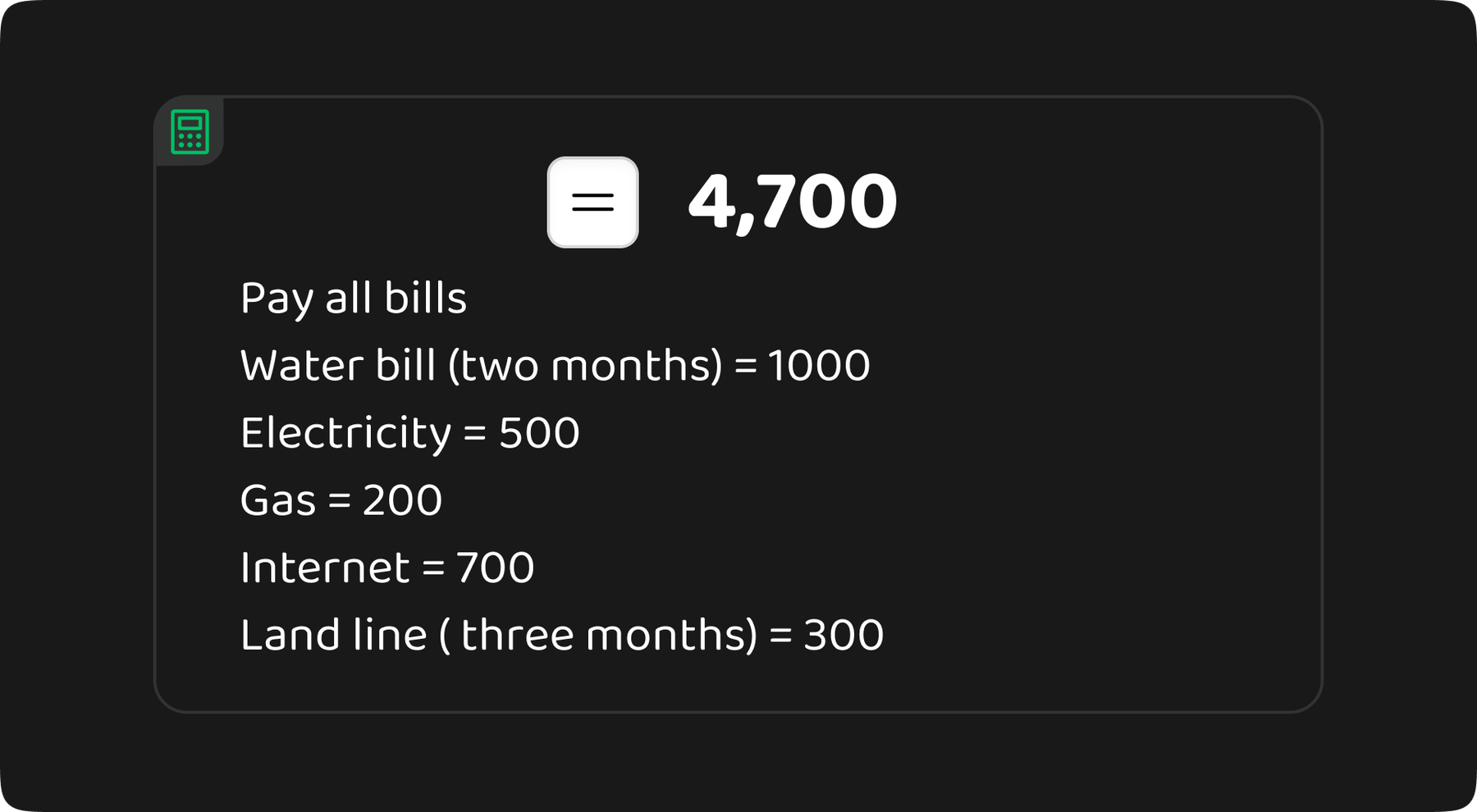
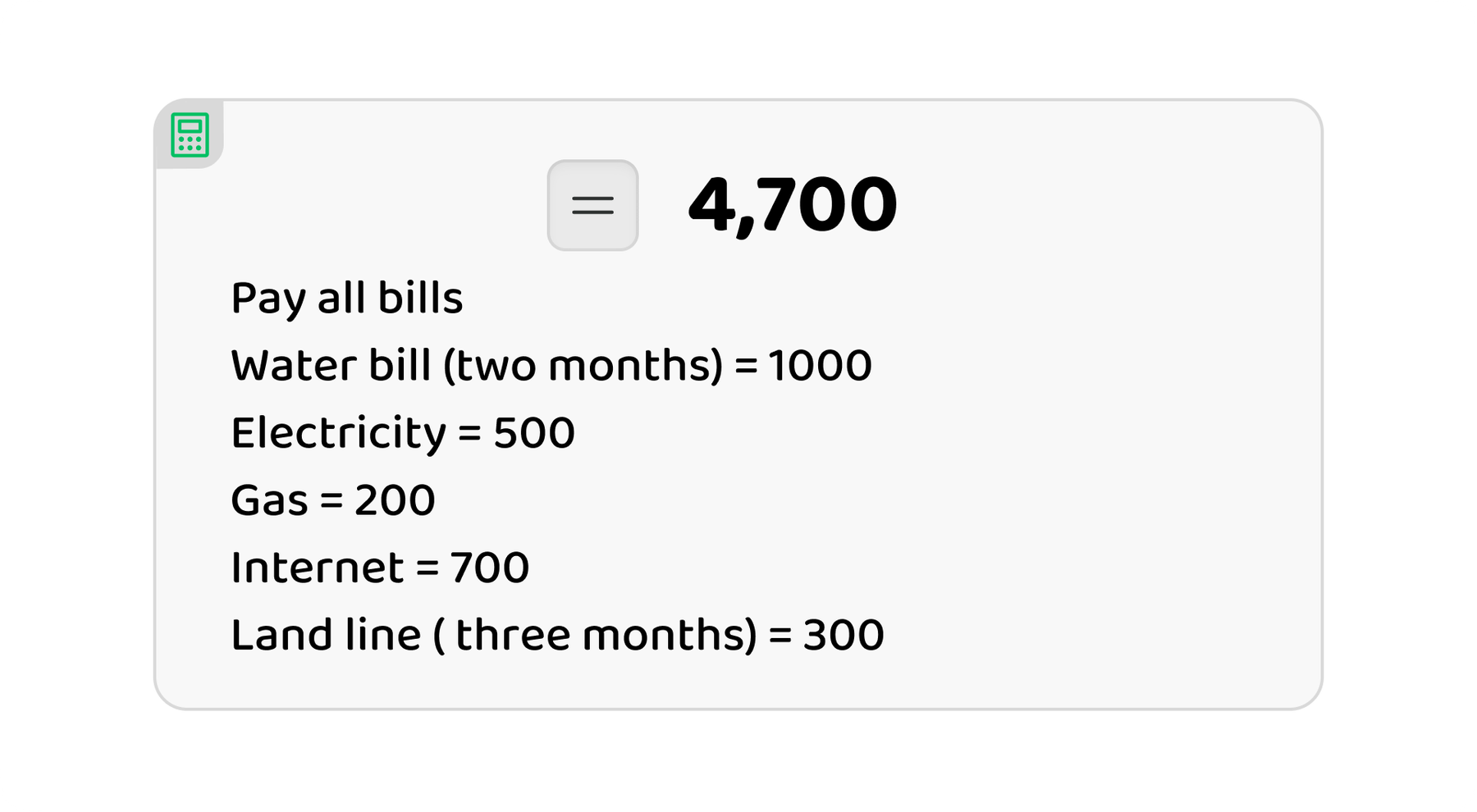
Do math and track spending

  • Built-in calculator
  • Expense tracking
  • Budget planning
  • Saves your history

Map/Location Boxes

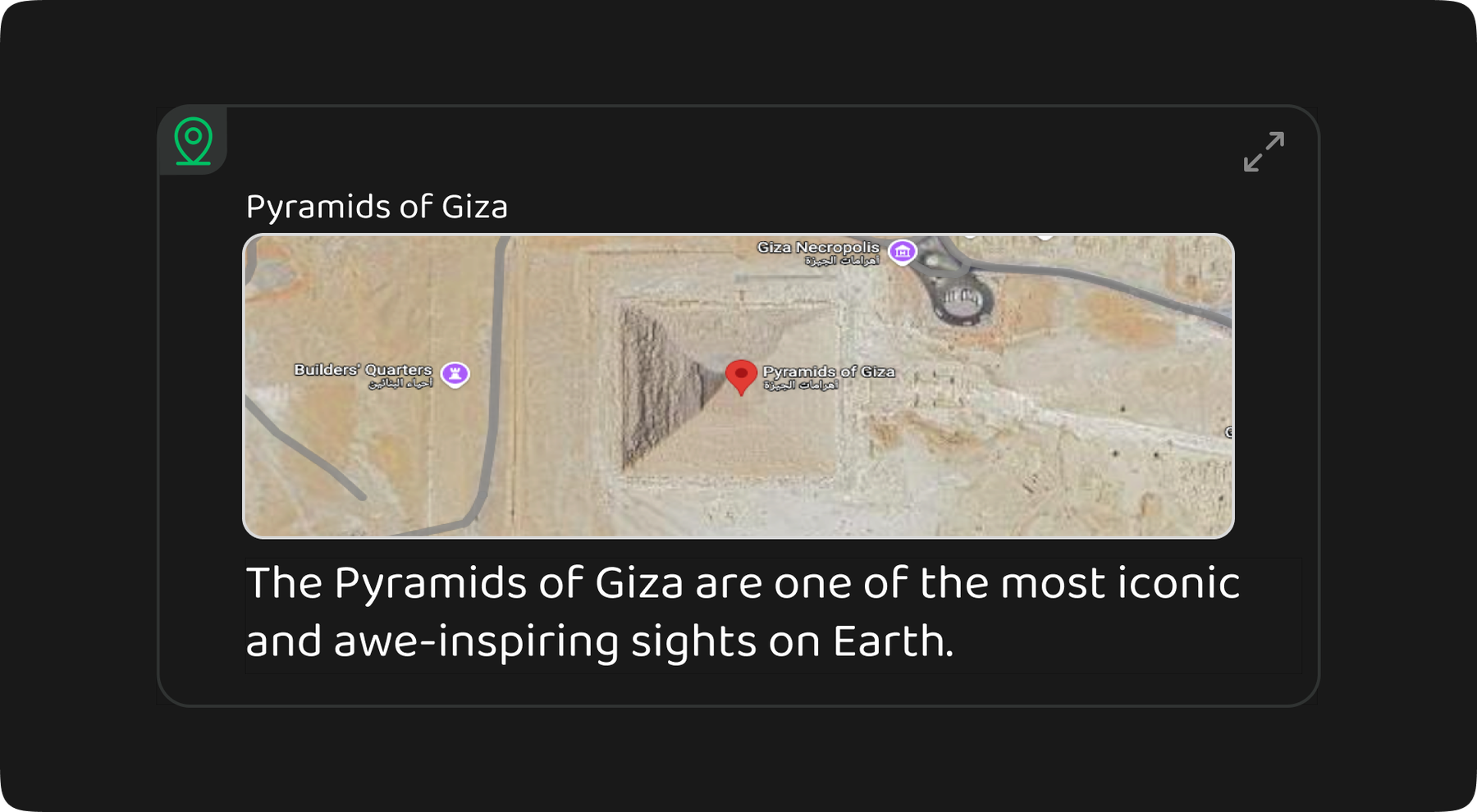
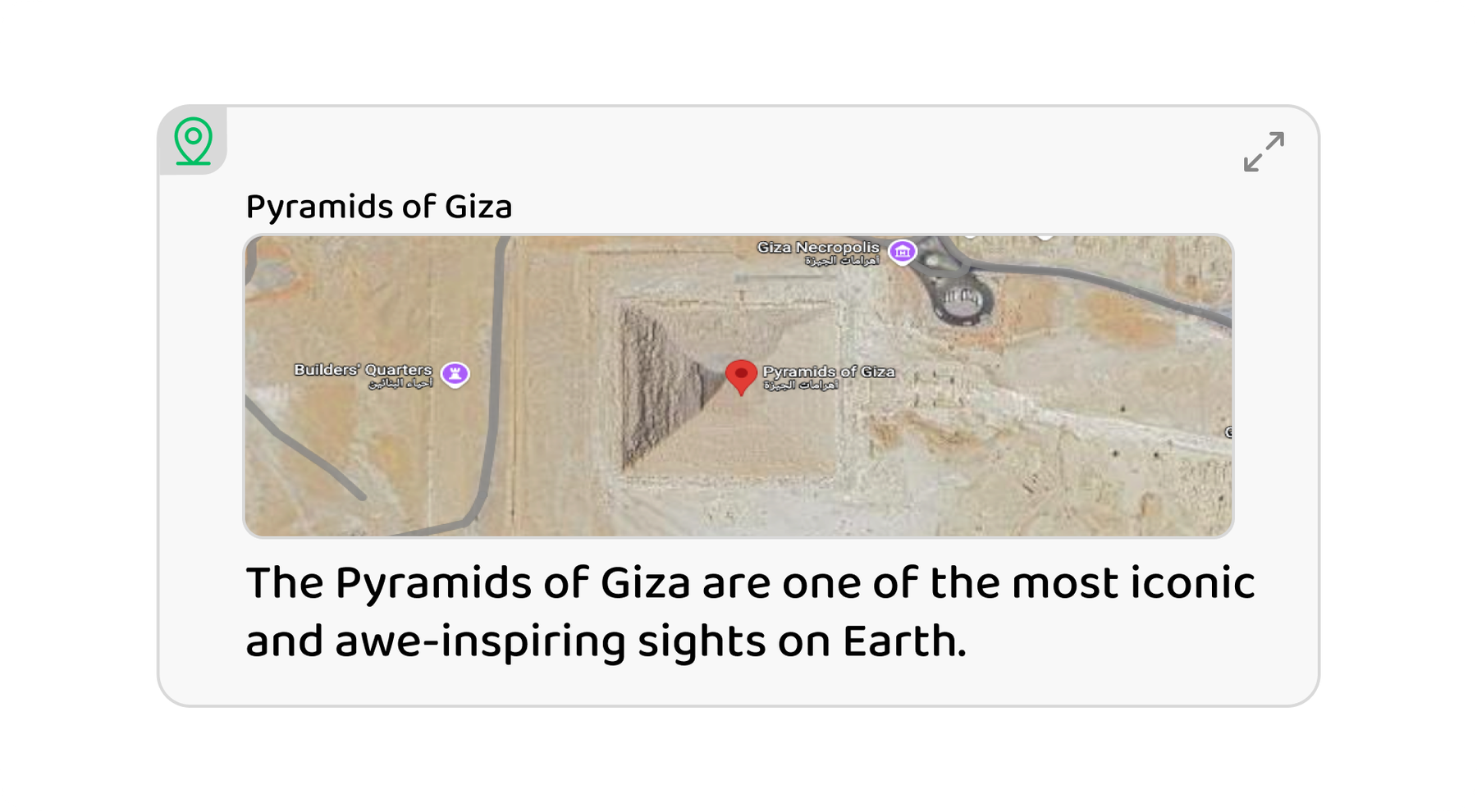
Save places on a map

  • Save a pin
  • Interactive maps
  • Address lookup
  • Open anytime

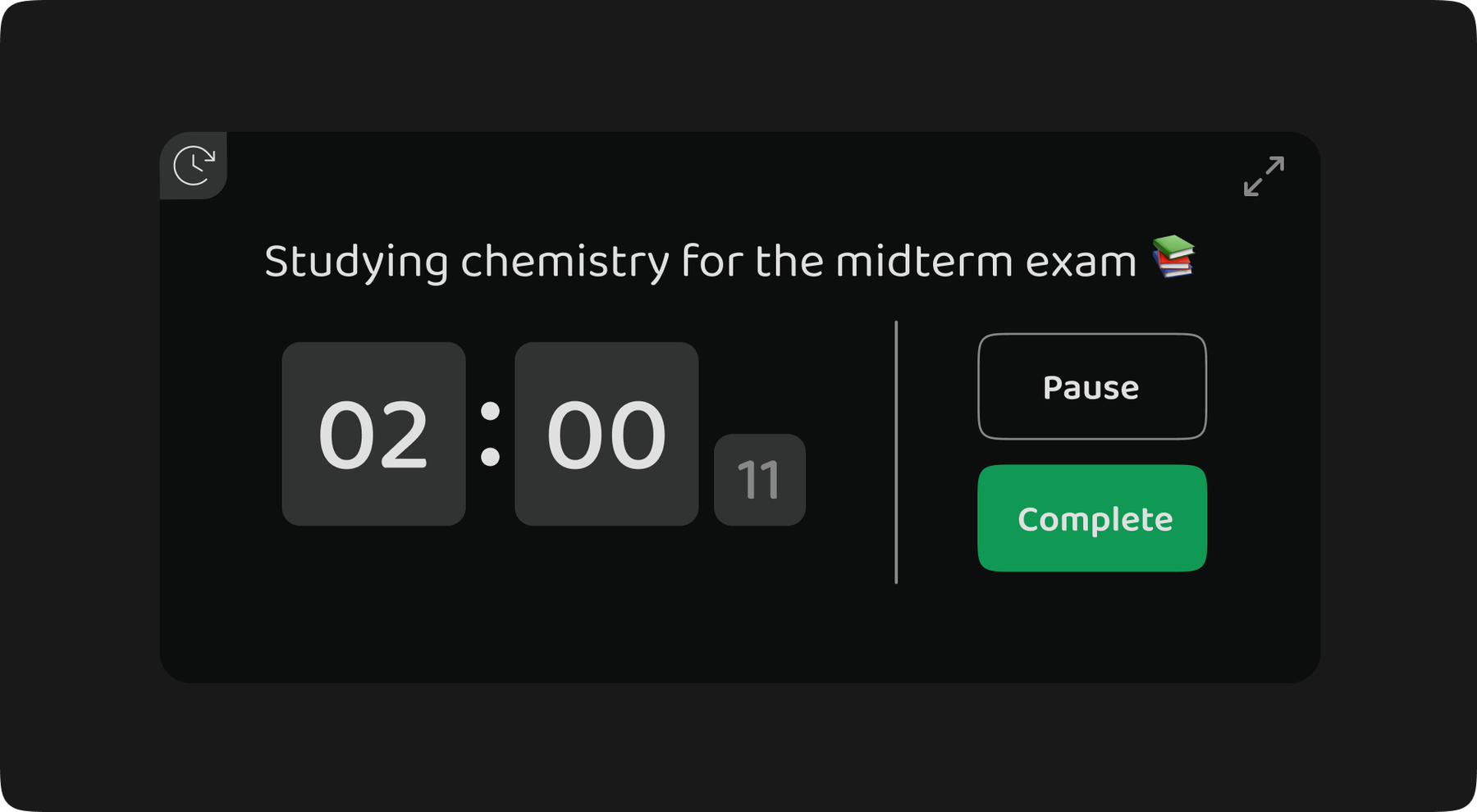
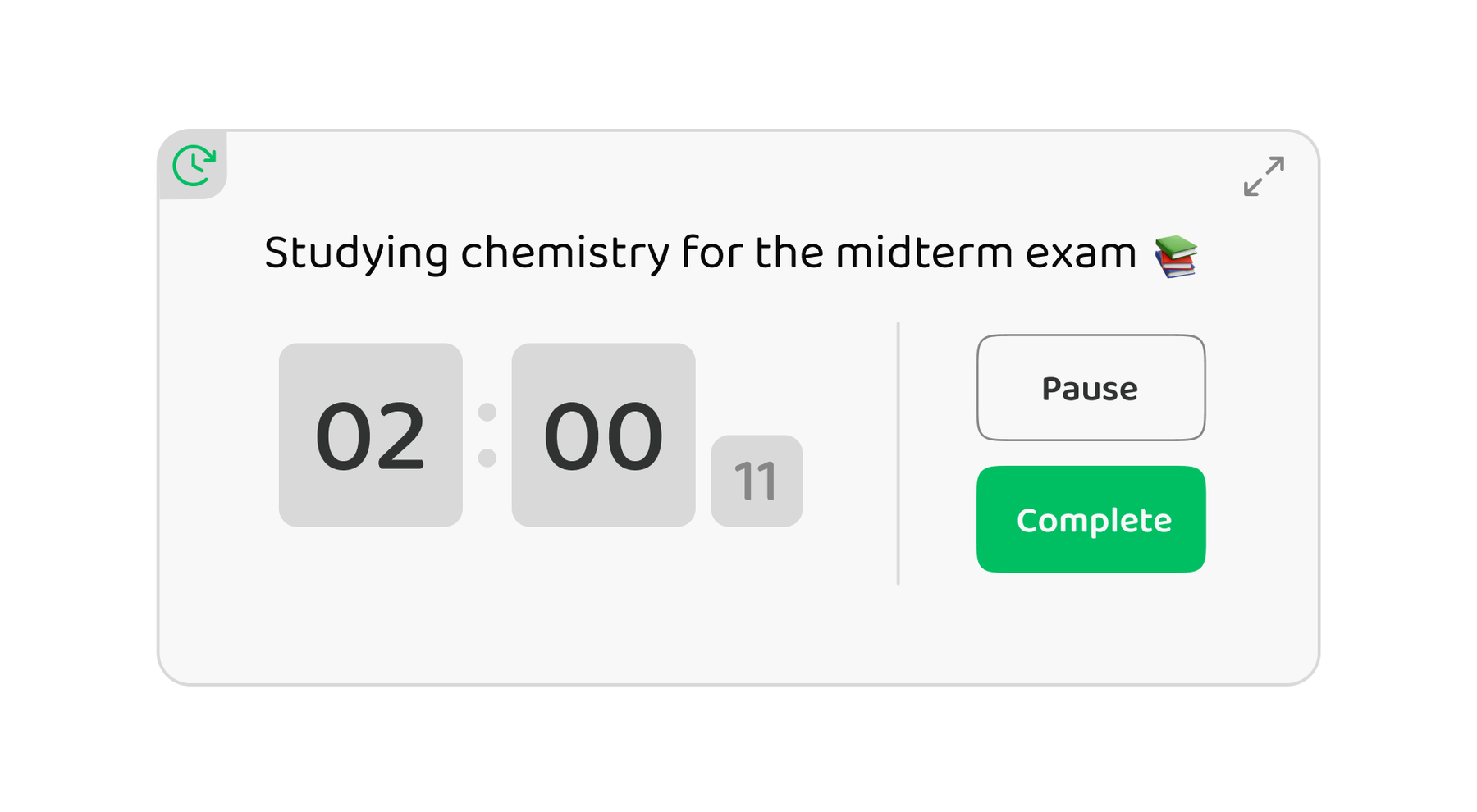
Time Tracking

Track your time with one tap

  • Stopwatch
  • Runs in the background
  • Session history
  • Helps with billing

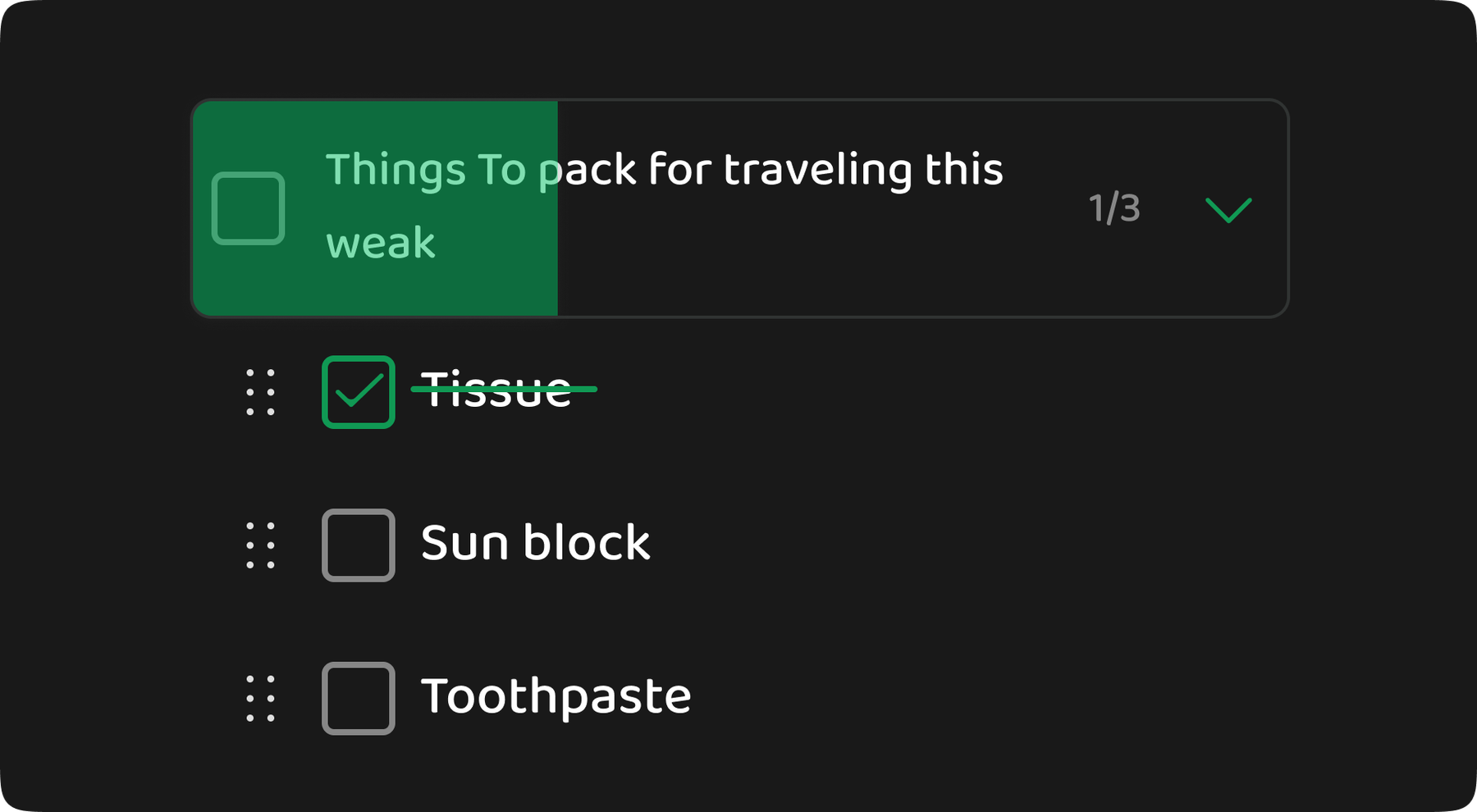
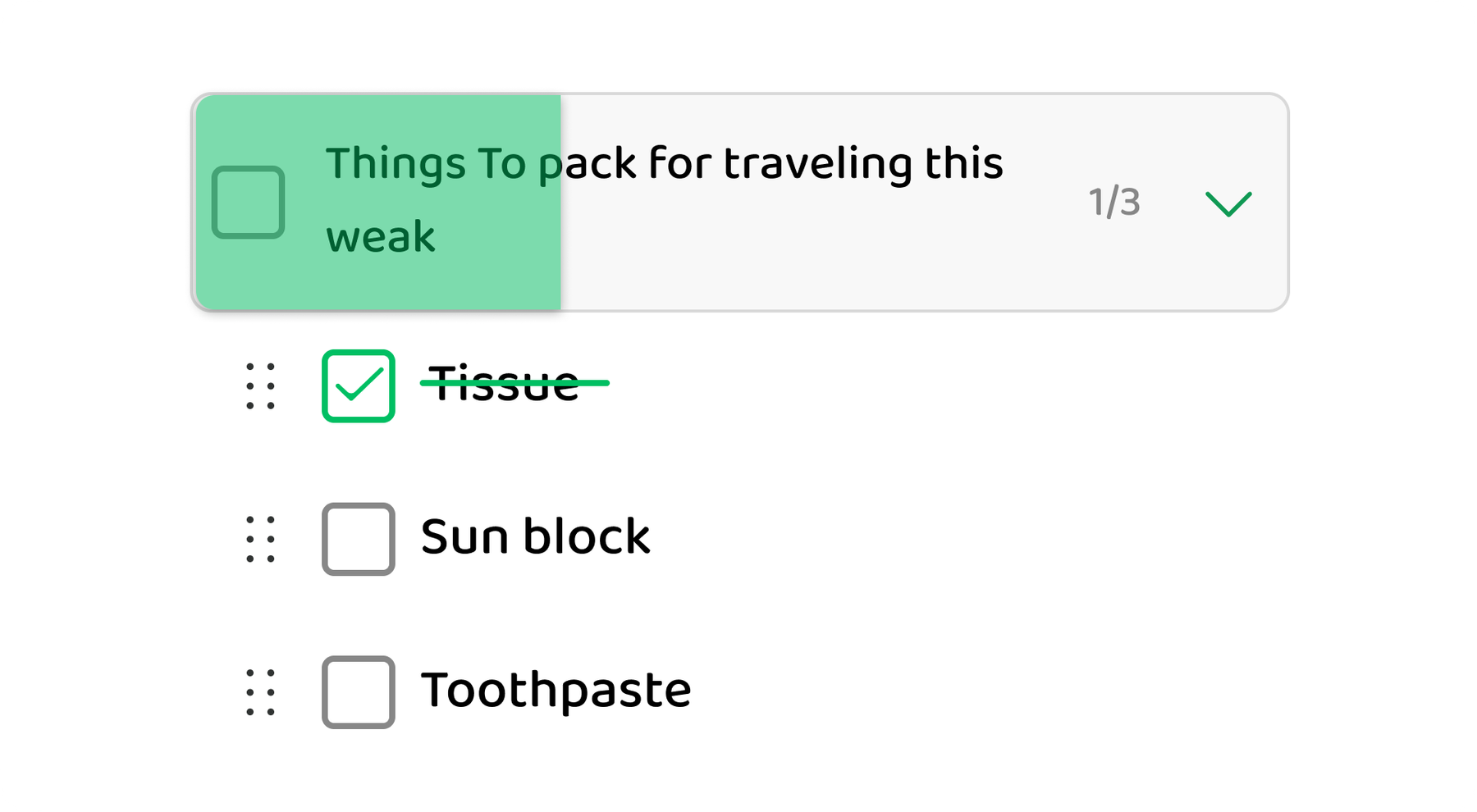
Checklist Boxes

Simple to-do lists

  • Sub-tasks
  • Mark done
  • Reorder items
  • Don’t forget steps

Custom Boxes

Create your own box type

  • Flexible setup
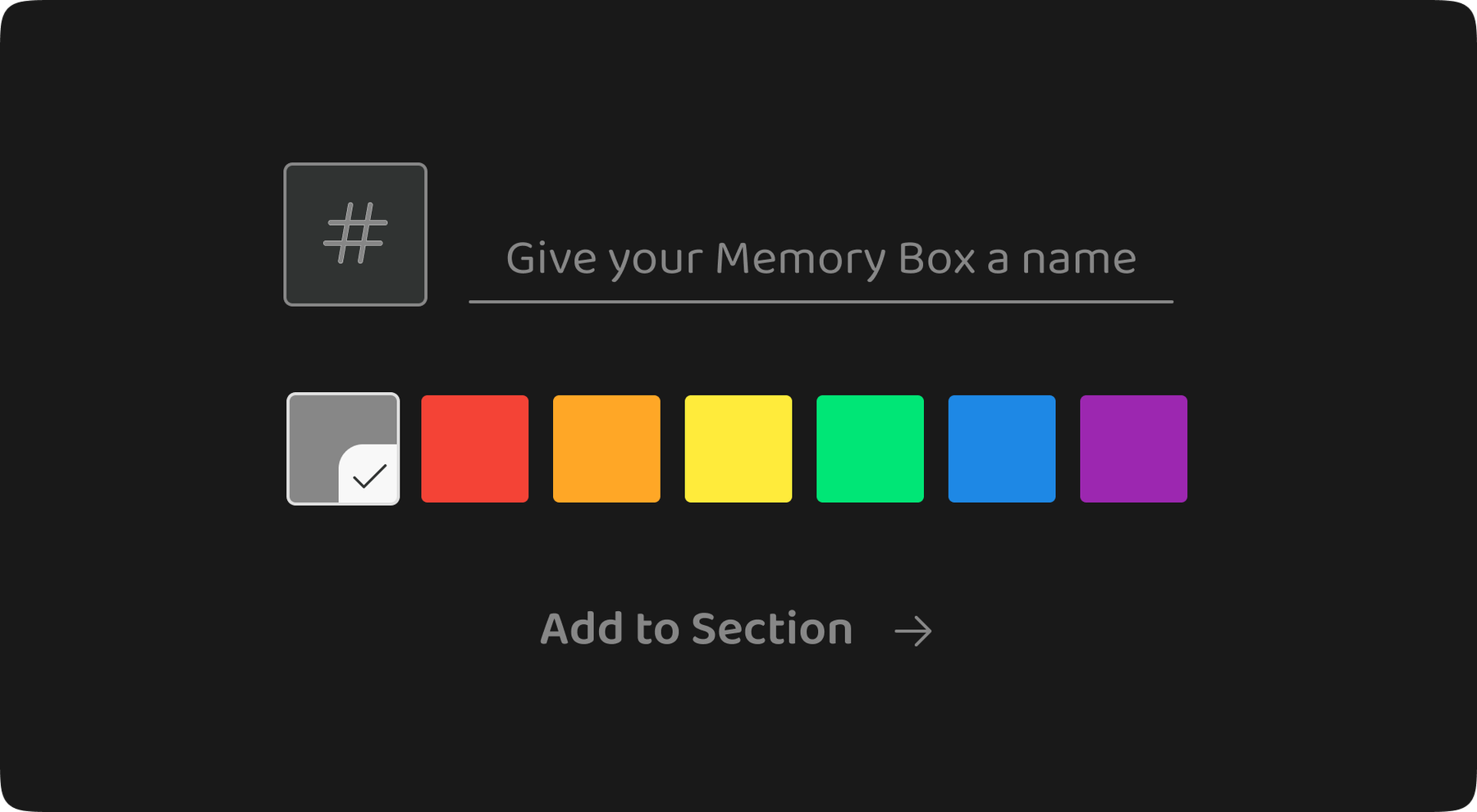
  • Choose colors
  • Made your way
  • As simple as you want

All box types work seamlessly together in one app

Real People, Real Results

See how Memory Chat helped them stay organized

SK

Sarah K.

Marketing Manager

★★★★★

From Chaos to Clarity

Less time searching Clearer organization
Challenge

I used to struggle with scattered information across emails and chat apps, spending more time searching than working.

Solution

I decided to create a "centralized workspace" to bring everything together.

Result

Now, I feel total peace of mind. Everything I need is now clearly right at my fingertips in one place.

AR

Adam R.

Freelance Consultant

★★★★★

Billing Made Simple

More accurate billing Time is easier to track
Challenge

I struggled to track my start times, Leading to "guessed" invoices that felt unfair to both sides.

Solution

I implemented client-specific timers. Now, I track every session with a single click the moment I start.

Result

I recovered 5 unbilled hours per week and boosted client trust through 100% accurate reporting.

HC

Hana C.

Medical Student

★★★★★

Studying Feels Easier

Faster review Notes in one place
Challenge

I used to Jot down Lecture notes on random scraps of paper or my phone's notepad. When exams approached, I'd waste hours just trying to hunt down where I saved everything.

Solution

I used the "Second Brain" system. I connected my daily noted with my study notes and used "Tags" to link similar topics together.

Result

No more overwhelm. Everything I wrote is now in one place, which saved me four hours a week that I used to spend searching.

NF

Noah f.

Solo Traveler

★★★★★

Travel Without Stress

Spending is clearer Packing list ready
Challenge

I used to dig through emails for tickets and screenshots for maps. I always ended up forgetting my important documents.

Solution

I centralized everything. I added passport copies, booking confirmations, a budget box and an automated packing checklist in one dashboard.

Result

Travelled to 3 countries recently with zero stress. One tap gives me my hotel Location or flight info, even when I'm offline.

ZM

Zain M.

Homeowner

★★★★★

Renovation Success

Everything in one place Less back-and-forth
Challenge

During my Kitchen remodel, I kept losing the marble measurements and buried the electrician's number under hundreds of WhatsApp chat. It delayed the project for days.

Solution

I centralized everything. I put before and after photos with final measurements and attached every contractor's contact info in one list.

Result

The remodel finished without a single measurement error. I could pull up instructions or budget info in a second, which cut down on back and forth calls and repeat questions.

Join thousands of users

Keep everything in one place. It’s free to start.

Google Play
Windows

Everything You Need. Nothing You Don't.

Simple features that fix real problems. No extra stuff and no complicated setup.

Core Feature

Works Without Internet

Use Memory Chat with or without internet. Add, edit, and search anytime. When you're back online, it syncs.

Saved on your device Opens instantly Syncs when online
  • Write on a plane or subway
  • Keep working with weak Wi‑Fi
  • Search all your notes offline
Core Feature

Fast Search

Find what you need in seconds. Search by words, date, photos, or the box you used.

  • Find an old receipt fast
  • Quick results, even with lots of notes
  • Search works offline too
What happens after you download
Minute 1 Add your first note
Minute 5 Sort into workspaces
Day 1 Find things quickly
Simple 3-level organization
Workspaces Folders Memory Boxes

A simple setup that helps you find things fast.

Use on All Devices

Works on iOS, Android, Mac, Windows, Linux, and the web. Start on your phone and continue on your computer.

Your Data Is Protected

Your data is protected with strong encryption. You can also keep everything only on your device (optional).

Fast and Smooth

Quick search and smooth scrolling.

Team Plan

Share With Others

Share workspaces with family or a team and edit together.

Reminders

Set one-time or repeating reminders. Location reminders are coming soon.

Make It Yours

Choose themes and colors to fit your style.

Try all features free for 14 days

No credit card needed. Full access to Premium.

Google Play
Windows

Built for Everyone

No matter how you work, Memory Chat fits you

For Students

Organize classes, study better, track study time

  • Record lectures with audio notes
  • Create study checklists per subject
  • Track study time with built-in timer
  • Save campus locations with maps
  • Calculate grades and manage deadlines

"My exam scores improved a full letter grade"

— Jessica, Medical Student

For Professionals

Manage projects and deadlines

  • Organize meeting notes by project
  • Track client information and interactions
  • Set reminders for important deadlines
  • Share notes with team members
  • Archive completed projects easily

"I saved 2+ hours per day and never miss a deadline"

— Sarah, Marketing Manager

For Freelancers

Track time, manage clients, get paid right

  • Separate workspace per client
  • Time tracking for accurate billing
  • Calculate invoices with budget boxes
  • Save client locations and contacts
  • Never lose project context when switching

"Increased my income by 25% with better time tracking"

— Marcus, Freelance Consultant

For Travelers

Plan trips, track spending, save memories

  • Create packing checklists
  • Track expenses with calculation boxes
  • Save places you visit on a map
  • Store travel documents and confirmations
  • Access everything offline while traveling

"Our trips are stress-free and perfectly documented"

— The Chen Family, World Travelers

For Personal Life

Journal, track habits, keep things organized

  • Daily journaling with photos and voice
  • Shopping lists and recipe collections
  • Habit tracking and goal setting
  • Home project management
  • Financial planning and budgets

"Finally, one app for everything in my life"

— Alex, Organized Parent

Do it all in one place. Save, find, and do things without jumping between apps.

Memory Chat helps you remember and stay organized, without complicated tools.

01
Save anything
Write notes, record voice, add photos, or save a place on the map—even without internet.
02
Keep it tidy
Use simple boxes for plans, budgets, checklists, and more.
03
Do it right there
Track time, do quick math, and share—without leaving the app.
Feature
Memory Chat
Evernote
Notion
Obsidian
WhatsApp
Offline & Access
Works Without Internet
Search Offline
Works on Phone and Computer
Structure & Content
Different Box Types
Workspaces, Folders, Boxes
Photos and Files
Productivity
Time Tracking
Calculator and Budgets
Voice Notes
Collaboration & Value
Edit Together
Map Notes
Good Free Plan
Compare Memory Chat vs
Offline & Access
Works Without Internet
Memory Chat
Evernote
Search Offline
Memory Chat
Evernote
Works on Phone and Computer
Memory Chat
Evernote
Structure & Content
Different Box Types
Memory Chat
Evernote
Workspaces, Folders, Boxes
Memory Chat
Evernote
Photos and Files
Memory Chat
Evernote
Productivity
Time Tracking
Memory Chat
Evernote
Calculator and Budgets
Memory Chat
Evernote
Voice Notes
Memory Chat
Evernote
Collaboration & Value
Edit Together
Memory Chat
Evernote
Map Notes
Memory Chat
Evernote
Good Free Plan
Memory Chat
Evernote
Offline & Access
Works Without Internet
Memory Chat
Notion
Search Offline
Memory Chat
Notion
Works on Phone and Computer
Memory Chat
Notion
Structure & Content
Different Box Types
Memory Chat
Notion
Workspaces, Folders, Boxes
Memory Chat
Notion
Photos and Files
Memory Chat
Notion
Productivity
Time Tracking
Memory Chat
Notion
Calculator and Budgets
Memory Chat
Notion
Voice Notes
Memory Chat
Notion
Collaboration & Value
Edit Together
Memory Chat
Notion
Map Notes
Memory Chat
Notion
Good Free Plan
Memory Chat
Notion
Offline & Access
Works Without Internet
Memory Chat
Obsidian
Search Offline
Memory Chat
Obsidian
Works on Phone and Computer
Memory Chat
Obsidian
Structure & Content
Different Box Types
Memory Chat
Obsidian
Workspaces, Folders, Boxes
Memory Chat
Obsidian
Photos and Files
Memory Chat
Obsidian
Productivity
Time Tracking
Memory Chat
Obsidian
Calculator and Budgets
Memory Chat
Obsidian
Voice Notes
Memory Chat
Obsidian
Collaboration & Value
Edit Together
Memory Chat
Obsidian
Map Notes
Memory Chat
Obsidian
Good Free Plan
Memory Chat
Obsidian
Offline & Access
Works Without Internet
Memory Chat
WhatsApp
Search Offline
Memory Chat
WhatsApp
Works on Phone and Computer
Memory Chat
WhatsApp
Structure & Content
Different Box Types
Memory Chat
WhatsApp
Workspaces, Folders, Boxes
Memory Chat
WhatsApp
Photos and Files
Memory Chat
WhatsApp
Productivity
Time Tracking
Memory Chat
WhatsApp
Calculator and Budgets
Memory Chat
WhatsApp
Voice Notes
Memory Chat
WhatsApp
Collaboration & Value
Edit Together
Memory Chat
WhatsApp
Map Notes
Memory Chat
WhatsApp
Good Free Plan
Memory Chat
WhatsApp
Full Support
Partial Support
Not Available
Easy to start
Pick a template and go—no setup.
Works offline
Keep working even on a plane or subway.
Find things fast
Search and filters help you find things quickly.

Ready to Simplify Your Digital Life?

Stop juggling apps. Keep notes, lists, and tools in one place.

Get Memory Chat Free (No Card Needed)

Join 10,000+ users who switched

Transparent pricing. No surprises

Start for free explore all feature and upgrade when you're ready.

Free Forever

$0

Perfect for personal use

  • Unlimited Memory Boxes
  • All 6 Memory Box types
  • Works without internet
  • Cross-platform sync (up to 3 devices)
  • 5GB cloud storage
  • Notes with photos and files
  • Voice recording
  • Basic reminders
  • Search and filters
  • Share with other apps
  • Email support
Get Started Free

No credit card required

Team

$7.99 /user/month

For teams & families

  • Everything in Premium
  • Work together in real time
  • Shared workspaces
  • Admin tools
  • Usage reports
  • Access controls
  • Dedicated support contact
  • Faster support (reply within 4 hours)
  • Connect with other tools
  • Company login options
  • Choose where data is stored
30-day money-back guarantee
Cancel anytime
No credit card required for free tier
Join 100,000+ users

Pricing FAQ

Is the free tier really free forever?

Yes. The Free plan is free forever and includes unlimited Memory Boxes and notes.

Can I switch plans anytime?

Yes. Upgrade or downgrade anytime. Changes apply right away.

What payment methods do you accept?

We accept major credit cards and PayPal. Annual billing is available.

Do you offer educational discounts?

Yes. Students and educators get 50% off Premium. Contact us with your .edu email.

Questions? Here are answers

Simple answers about Memory Chat

Memory Boxes are like folders made for different things: notes, checklists, budgets, timers, and places. Pick a box and start saving.

Yes, Your notes are saved on your device, so you can add, edit, and search without internet. When you go online, your changes sync across your devices.

Yes, The Free plan is free forever and needs no credit card. You get unlimited Memory Boxes and notes, and 5GB of cloud storage.

Memory Chat works on iOS, Android, macOS, Windows, Linux, and the web. Start on your phone and continue on your computer.

It works fully without internet and has box types with built-in tools like a calculator, timers, and maps. It also keeps things simple: Workspaces → Folders → Boxes.

Yes, You can import from Evernote, Notion, Apple Notes, Google Keep, and text files.

Yes, Your data is protected with strong encryption and we never sell it. If you want, Premium can keep everything only on your device. You can also export your data anytime.

It’s Workspaces → Folders → Memory Boxes. Workspaces are big groups (Work/Personal). Folders sit inside. Memory Boxes are where your notes and tools live.

In a Calculation Box, you can do math and track spending in the same place. It also saves your history.

Yes. With the Team plan, you can share a workspace and edit together. You can choose who can view or edit.

The Free plan includes 5GB of cloud storage. We’ll warn you when you’re close. You can upgrade or remove large files you don’t need.

Yes, You can create notes, search, and use tools without internet. Sync happens when you reconnect.

Yes, Use checklists for tasks, timers for time, budget boxes for money, and location boxes for places.

We’re working on smarter search, location reminders, more box types, and ways to connect with other apps. Check the changelog for updates.

Cancel anytime in your account settings. You keep Premium until your billing period ends, then you go back to Free. You keep access to your data.

Yes, Create a Personal workspace and write daily notes. Add photos or voice, and search anytime.

Still have questions?

We’re here to help. Email us and we’ll reply within 24 hours.

Contact Support
Join 100,000+ people using Memory Chat

Stop Losing Important Information.
Start Remembering Everything.

Keep your notes, lists, and reminders in one place. No credit card required. Start free today.

100,000+ users
4.8/5 rating
Privacy focused
Free plan
Google Play
Windows
or
See Pricing Plans
Free plan forever
No credit card required
Cancel anytime
"

"There's nothing worse than being on a flight or in a cafe with bad Wi-Fi and not being able to access your own brain. I moved my entire workflow to a Local-first app because I need my data to be actually mine, accessible anytime, anywhere."

MR
Adam R.
Freelance Consultant
★★★★★